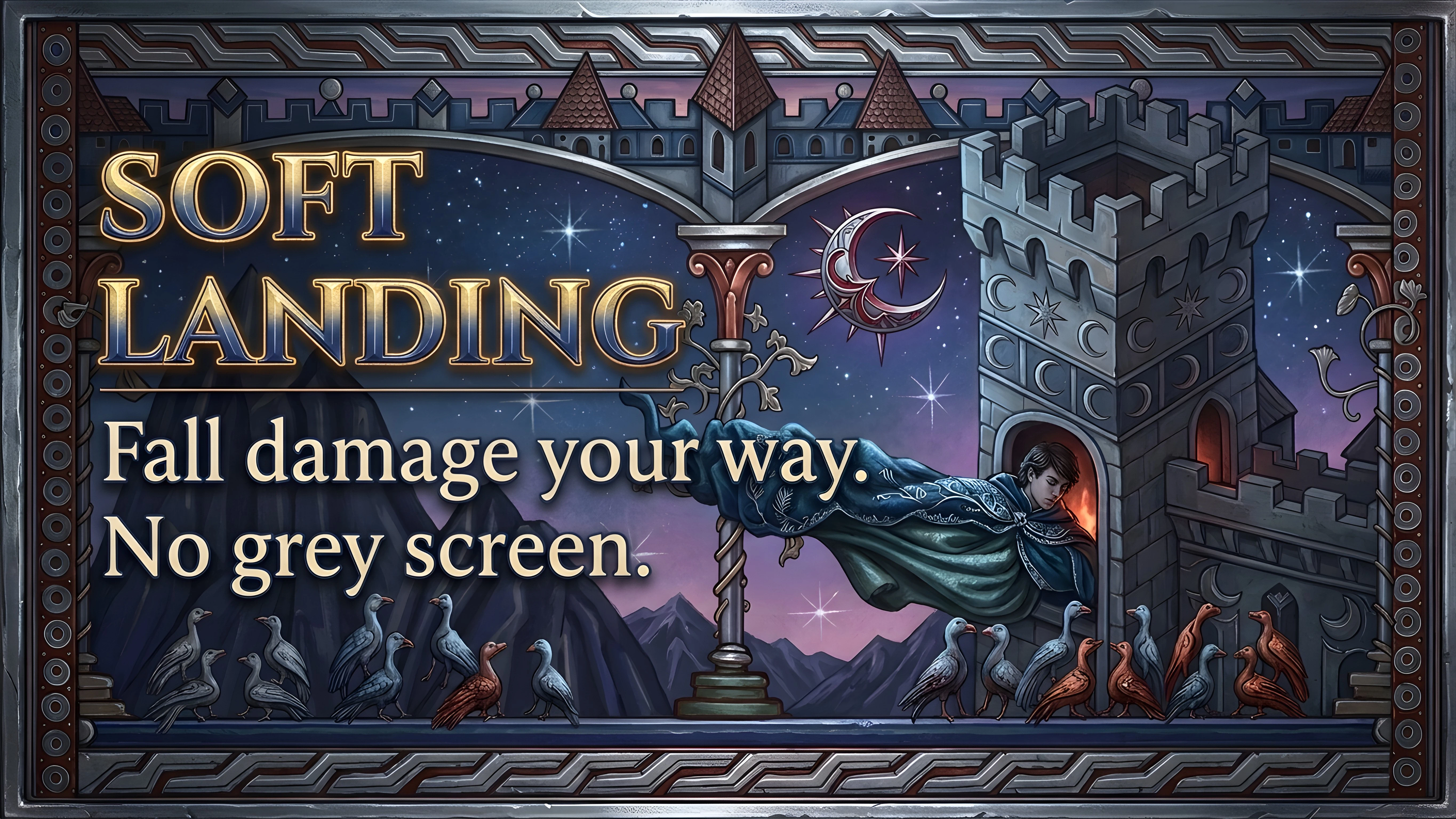
软着陆 - 坠落伤害与无灰屏
减少坠落伤害,或完全免除,并且Coen生命值低时不再出现灰屏。在模组设置菜单中选择25%、50%、75%或100%的坠落伤害。人类和吸血鬼皆适用。不替换游戏文件,不向存档写入任何内容。UE4SS。
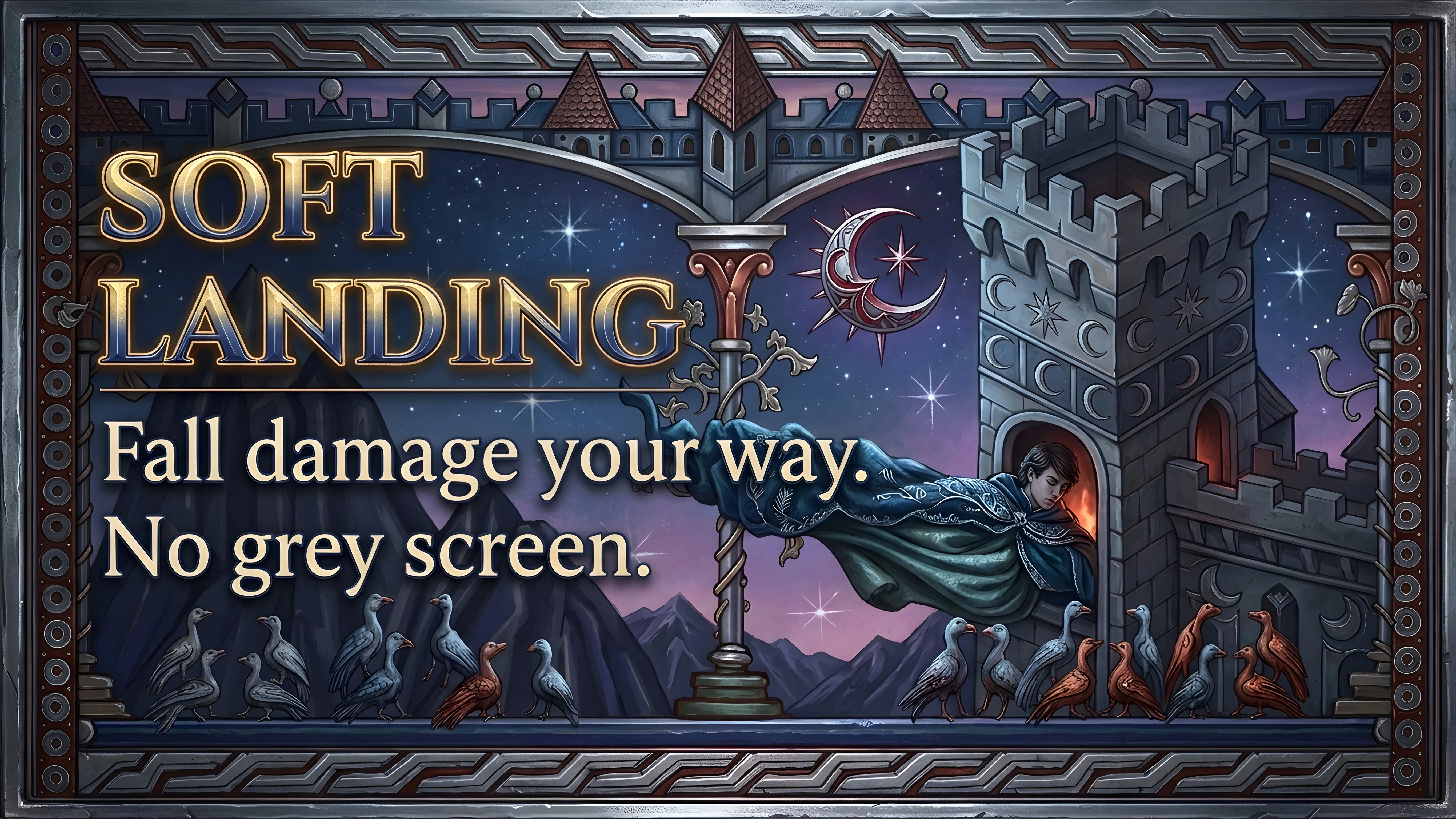 查看大图
[center][size=5][b][color=#e2452f]Soft Landing[/color][/b][/size]
[size=3][color=#d9b877]Fall damage your way. No more grey screen.[/color][/size][/center]
[line]
[size=4][b][color=#e2452f]What you get[/color][/b][/size]
[list]
[][b]Less fall damage, or none:[/b] Off, 25%, 50% (default), 75% or 100% of the game's fall damage. Works for Coen as human and as vampire.[/]
[][b]No grey screen:[/b] the screen no longer turns grey when Coen's health is low, after a hard landing or a heavy hit. On by default.[/]
[][b]Everything else stays:[/b] landing animations, camera shake, low-health sounds and perks that react to low health work as in the game.[/]
[/list]Both settings are in [b]Mod Setting Menu[/b] and apply right away, no restart.
[line]
[size=4][b][color=#e2452f]Requirements[/color][/b][/size]
[list]
[][url=https://www.nexusmods.com/thebloodofdawnwalker/mods/18]UE4SS for Dawnwalker[/url][/]
[][url=https://www.nexusmods.com/thebloodofdawnwalker/mods/271]Mod Setting Menu[/url] (recommended, for the settings)[/]
[/list][line]
[size=4][b][color=#e2452f]Install[/color][/b][/size]
Use Vortex, or unzip into [i]<game>\Dawnwalker\Binaries\Win64\[/i] so that [i]ue4ss\Mods\SoftLanding\Scripts\main.lua[/i] exists. Works with your existing saves.
[b]Only want the grey screen gone?[/b] Download the optional file [b]No Grey Screen Only[/b] instead of the main file: it removes the grey screen and leaves fall damage as in the game. Use one of the two, not both.
[b]More details[/b]: how it works, compatibility, uninstall
[spoiler]
[b]How it works:[/b] when Coen lands, the game applies its own fall damage effect. The mod scales that effect's strength while the game runs, so the damage per height keeps the game's curve, just lower. The grey screen is the game's low-health screen effect; the mod sets its strength to 0.
[b]Nothing is changed in the game files:[/b] no pak, no replaced assets, nothing stored in your save. Remove the mod and everything is back to the game's values.
[b]Compatibility:[/b] don't use it together with another fall damage mod. A mod that replaces the game's fall damage settings takes over, and the fall damage option here then has no effect. The grey screen option still works.
[b]Settings without the menu:[/b] edit [i]ue4ss\Mods\SoftLanding\settings.ini[/i] with the game closed.
[b]Uninstall:[/b] delete [i]ue4ss\Mods\SoftLanding[/i].
[b]Bug reports:[/b] set Log level to Debug in the settings, reproduce the problem and attach [i]ue4ss\UE4SS.log[/i].[/spoiler]
[line]
[size=4][b][color=#e2452f]Latest changes[/color][/b][/size]
[list]
[][b]1.0.5:[/b] Lighter while riding: the horse is checked once, not on every check (main file and No Grey Screen Only).[/]
[][b]1.0.4:[/b] Fixed a possible crash at game start, before a save is loaded (main file and No Grey Screen Only).[/]
[][b]Optional file:[/b] No Grey Screen Only 1.0.0, the grey screen removal on its own.[/]
[][b]1.0.0:[/b] First release.[/]
[/list][line]
[size=4][b][color=#e2452f]More of my Dawnwalker mods[/color][/b][/size]
[list]
[][url=https://www.nexusmods.com/thebloodofdawnwalker/mods/582]Smart Saves[/url]: smarter autosaves, saves right before big choices, save profiles.[/]
[][url=https://www.nexusmods.com/thebloodofdawnwalker/mods/652]Abilities Unbound[/url]: a second ability page, any ability mix, no passive slots, all ultimates.[/]
[][url=https://www.nexusmods.com/thebloodofdawnwalker/mods/589]Level Cap 100[/url]: levels and Corruption past the cap, gear that levels with you.[/]
[][url=https://www.nexusmods.com/thebloodofdawnwalker/mods/568]Free Combat Camera[/url]: no camera snapping, no hidden lock-on, small dot.[/]
[][url=https://www.nexusmods.com/thebloodofdawnwalker/mods/595]Photo Mode Unlocked[/url]: the game's hidden photo mode, free camera and freeze time.[/]
[][url=https://www.nexusmods.com/thebloodofdawnwalker/mods/585]Jumpscare Remover[/url]: no jumpscares in the red visions.[/]
[][url=https://www.nexusmods.com/thebloodofdawnwalker/mods/653]Day and Night Sprint FX[/url]: leaves, shadow smoke, fog and floating blood when Coen sprints or uses haste.[/]
[][url=https://www.nexusmods.com/thebloodofdawnwalker/mods/663]Bat Swarm Haste[/url]: the night haste as a swarm of bats.[/]
[][url=https://www.nexusmods.com/thebloodofdawnwalker/mods/665]Bat Swarm Shadowstep[/url]: the shadowstep bursts into bats.[/]
[][url=https://www.nexusmods.com/thebloodofdawnwalker/mods/677]Quiet Combat[/url]: no enemy taunts or combat shouts.[/]
[][url=https://www.nexusmods.com/thebloodofdawnwalker/mods/678]Quiet Bite[/url]: Voracious Bite without the metal clash.[/]
[][url=https://www.nexusmods.com/thebloodofdawnwalker/mods/683]Faster Blood Drinking[/url]: drain your victims up to five times faster.[/]
[/list]All of them together, set up and ready: [url=https://www.nexusmods.com/games/thebloodofdawnwalker/collections/kxvmzj]BoD Collection[/url].
正在加载版本记录…
正在加载评论…
评论在新手盒子客户端中发表,这里同步展示。