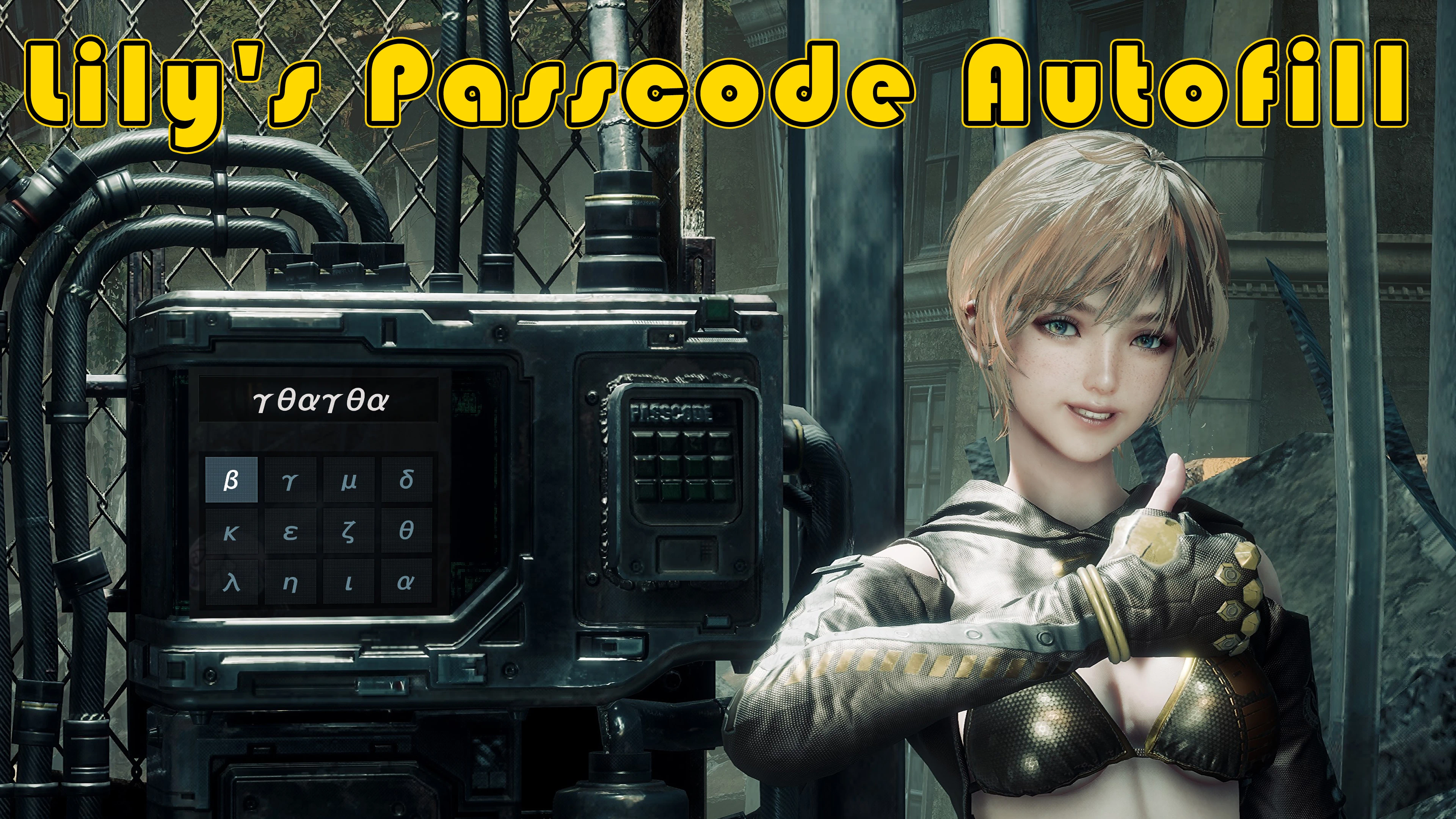
莉莉的密码自动填充
当密码界面打开时,会自动输入你已经找到的密码。如果没有生效,请按提示按钮(H / 三角键)。对你尚未找到的密码不起作用。
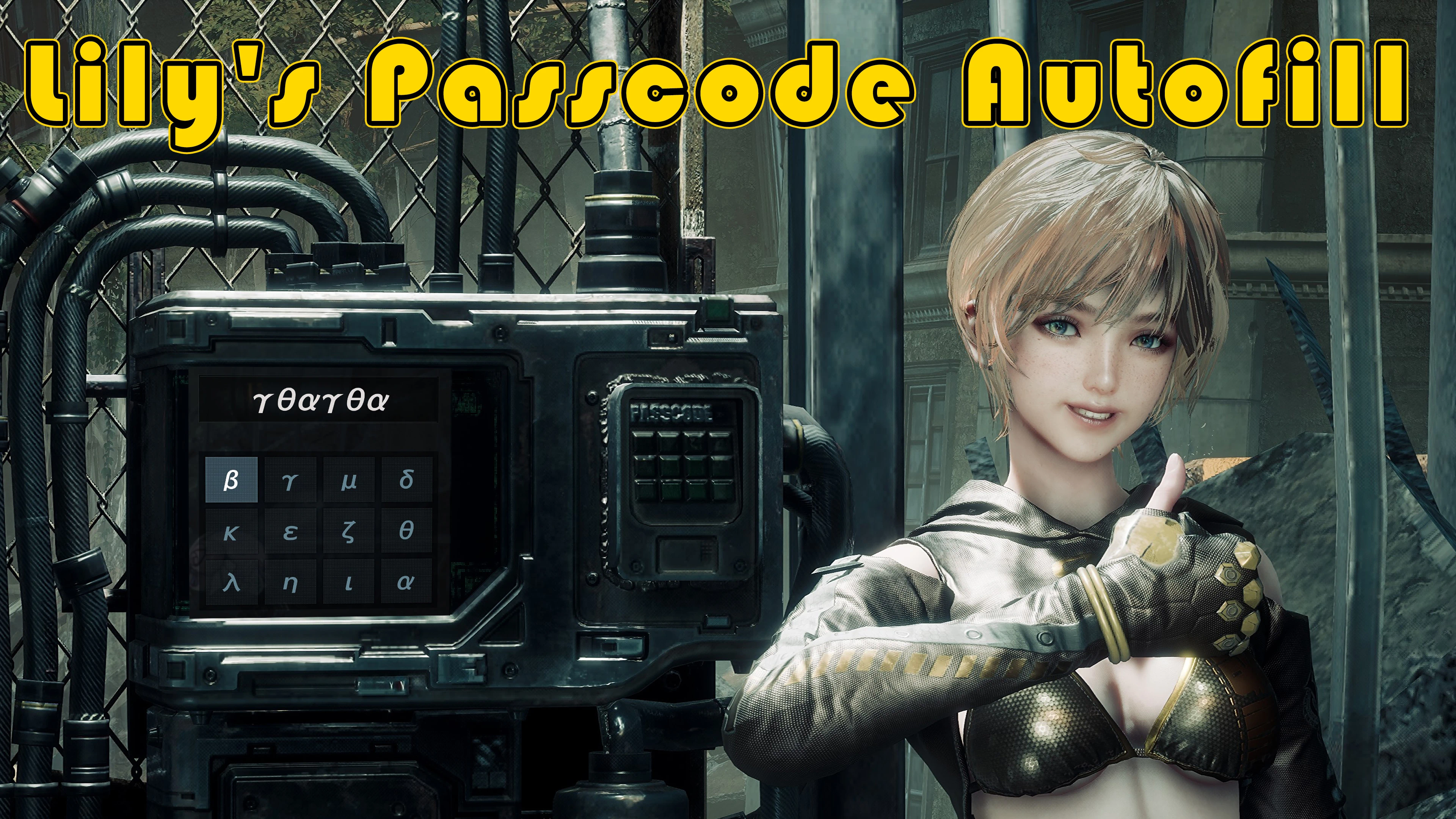 查看大图
Lily's Passcode Autofill
リリーがパスコードの入力を楽ちんにしてくれました! / Lily made entering passcodes a breeze!
日本語
入手済みのパスコードを、入力画面を開いたときに自動で入力します。 もし自動入力が動かなくても、ヒントボタン(キーボードの H/パッドの △)を押すと再度自動入力します。
動き
- 入力画面を開くと、少し待ってから正解を1文字ずつ入力します
- まだパスコードを入手していない画面では何もしません
- 1文字でも自分で入力してある場合は何もしません(消してからヒントボタンを押すと入力します)
必要なもの
UE4SS v1.3 を使っている場合
- Optional ファイルの UE4SS v1.3 edition (beta) を使ってください。パスコード画面で H を押したときだけ動きます(開いたときの自動入力・パッドの △ は使えません)
- 通常版は最初のパスコード画面を開くまで裏で2秒おきに確認をしていて、UE4SS v1.3 でカクつくと報告があったためです。この版は裏で何もしません
導入
- LilysPasscodeAutofill フォルダを
StellarBlade\SB\Binaries\Win64\ue4ss\Mods\
にコピー 2. フォルダ内に enabled.txt があることを確認 3. ゲームを起動
アンインストールは ue4ss\Mods\LilysPasscodeAutofill フォルダを削除するだけです。
設定(Scripts\config.lua)
- autoFillOnOpen - 画面を開いたときに自動で入力する(true / false)
- hintKey - 押すと入力するキーボードのキー(初期値 "H"、"" で無効)。パッドの △ は常に使えます
- startDelayMs / stepMs - 入力を始めるまでの待ち時間・1文字ごとの間隔(ミリ秒)
- debugLog - UE4SS.log にログを出す
注意
- 判定はゲーム本来のものです。この Mod はキーを選んで「入力」を押す操作を代わりに行うだけです
English
Automatically enters passcodes you have already found when the passcode screen opens. If the autofill doesn't kick in, press the Hint button (keyboard H / gamepad Triangle) to run it again.
What it does
- When the passcode screen opens, it waits a moment and enters the code one character at a time
- It does nothing on passcode screens you have not found the passcode for yet
- It does nothing if you have already typed a character yourself (delete them and press the Hint button to enter it)
Requirements
If you use UE4SS v1.3
- Use the optional file UE4SS v1.3 edition (beta). It only runs when you press H on a passcode screen (autofill on open and the gamepad Triangle are not available)
- This is because the standard version checks in the background every 2 seconds until you open the first passcode screen, which was reported to cause stuttering with UE4SS v1.3. This edition does nothing in the background
Installation
- Copy the LilysPasscodeAutofill folder to
StellarBlade\SB\Binaries\Win64\ue4ss\Mods\
- Make sure enabled.txt is in the folder
- Start the game
To uninstall, just delete the ue4ss\Mods\LilysPasscodeAutofill folder.
Settings (Scripts\config.lua)
- autoFillOnOpen - enter the passcode automatically when the screen opens (true / false)
- hintKey - keyboard key that also enters the passcode (default "H", "" to turn it off). The gamepad Triangle always works
- startDelayMs / stepMs - wait before typing and time between characters (milliseconds)
- debugLog - write logs to UE4SS.log
Notes
- The code is checked by the game itself. This mod only picks the keys and presses "input" for you
正在加载版本记录…
正在加载评论…
评论在新手盒子客户端中发表,这里同步展示。