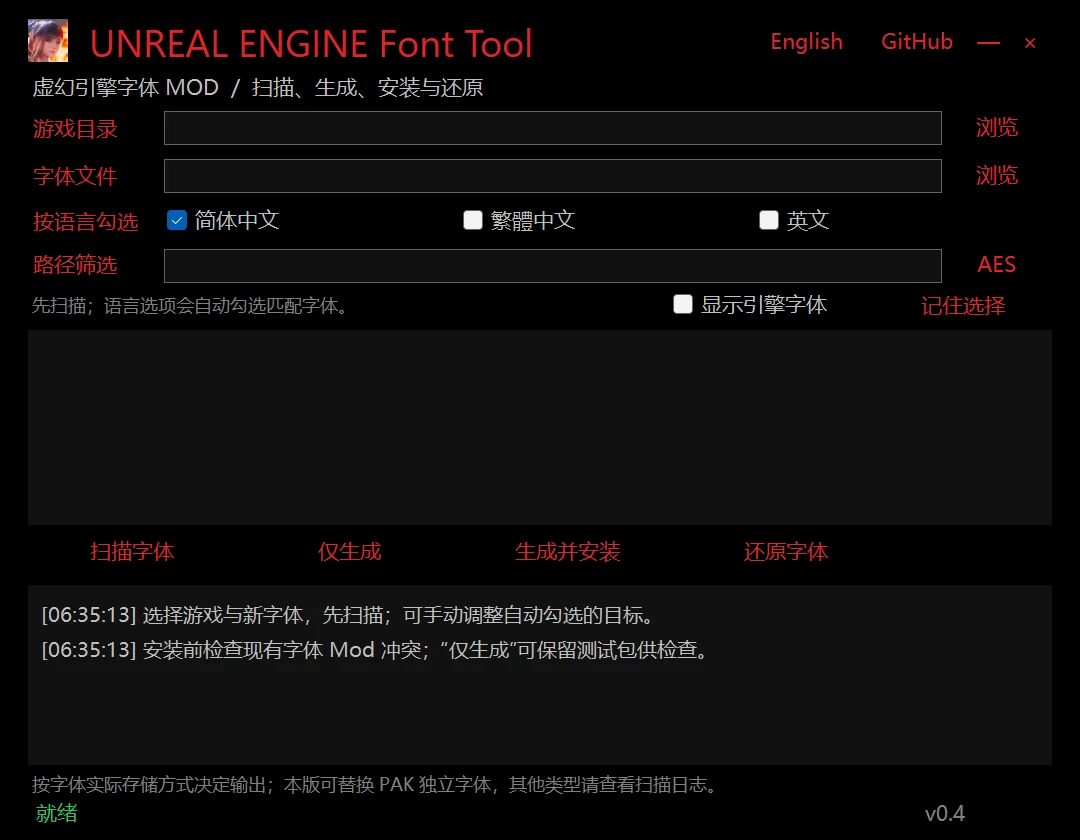
虚幻引擎字体工具
扫描虚幻引擎游戏中的PAK包内的独立字体,并将你喜欢的任何TTF/OTF转换为字体替换模组:一键构建、安装和恢复,无需虚幻编辑器。
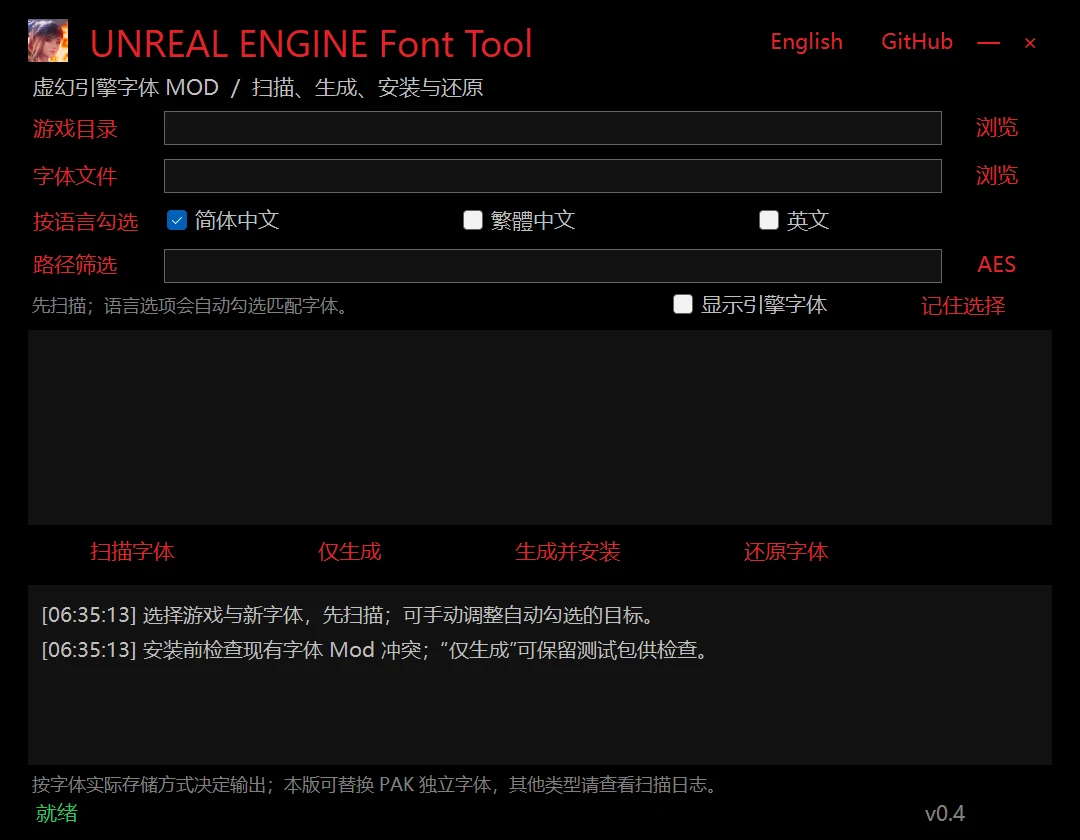 查看大图
扫描虚幻引擎游戏 PAK 中的独立字体,把你喜欢的任意 TTF/OTF 制作成字体替换 Mod:生成、安装、还原一键完成,无需 Unreal Editor。
功能
- 扫描游戏全部 PAK,列出可替换的独立字体(.ufont/.ttf/.otf)
- 按语言自动勾选(简中/繁中/英文),可手动调整并记忆映射
- 黑神话悟空:自动适配运行时布局,当前版本游戏内实测生效,无需任何启动参数
- 导出字体:把游戏原字体导出为 TTF/OTF 文件,替换前先确认语言和样式
- 冲突检查、SHA-256 回读校验、一键还原
使用方法
- 从 Releases 下载
UEFontTool-v*-win-x64.zip,解压后运行UEFontTool.exe(保留同目录tools文件夹) - 选择游戏根目录(或
Content/Paks目录)和你的 TTF/OTF 字体 - 加密游戏:点 AES 按钮粘贴密钥(见下方获取方式)
- 点 扫描字体,勾选目标字体(支持按语言自动勾选)
- 点 生成并安装,启动游戏验证;不满意可 还原字体 一键卸载
AES Key 获取方式
- 先直接扫描:很多游戏 PAK 未加密,不需要密钥
- AESDumpster(GitHub 开源命令行工具):对游戏主程序运行即可自动提取密钥,例如
AESDumpster.exe "...\Game\Binaries\Win64\Game-Win64-Shipping.exe" - 社区密钥库:FModel 社区密钥列表、对应游戏的 Nexus Mod 页说明区或模组社群常整理有现成密钥
- 格式:64 位十六进制(可带
0x)或 32 字节 Base64;密钥仅在本次会话使用,不保存、不上传 - 注意:游戏大版本更新后密钥可能更换,需重新提取
已知限制
- 仅支持 PAK 内独立字体;字体数据内嵌于 IoStore 容器(部分 Square Enix 新游戏)或使用离线图集的情况暂不支持
- 替换字体缺少的字符会回退到其他字体,建议选择覆盖 CJK 的字体
English
UNREAL ENGINE Font Tool — Font replacement for Unreal Engine games
Scans Unreal Engine games for standalone fonts inside PAKs and turns any TTF/OTF you like into a font-replacement mod: build, install and restore in one click, no Unreal Editor required.
Features
- Scans all game PAKs and lists replaceable standalone fonts (.ufont/.ttf/.otf)
- Auto-selects targets by language (SC/TC/English); mappings are editable and remembered per game
- Black Myth: Wukong — runtime layout converted automatically; verified working in game on the current Steam build, no launch flags needed
- Export fonts: dump originals as TTF/OTF files to identify languages and typefaces before replacing
- Conflict checks, SHA-256 read-back verification, one-click restore
How to use
- Download
UEFontTool-v*-win-x64.zipfrom Releases, extract and runUEFontTool.exe(keep thetoolsfolder beside it) - Select the game root (or the
Content/Paksfolder) and your TTF/OTF font - Encrypted game: click AES and paste the key (see below)
- Click Scan fonts, check the targets (auto-selection by language available)
- Click Build and install, launch the game to verify; Restore font uninstalls cleanly
How to get the AES key
- Try scanning first: many games ship unencrypted PAKs — no key needed
- AESDumpster (open-source CLI tool on GitHub): run it against the game's main executable to extract the key, e.g.
AESDumpster.exe "...\Game\Binaries\Win64\Game-Win64-Shipping.exe" - Community key lists: FModel's community AES lists, the game's Nexus mod pages, or modding communities often document keys
- Format: 64 hex digits (with or without
0x) or 32-byte Base64; used for this session only — never saved or uploaded - Note: major game updates may rotate the key — extract it again
Known limitations
- Standalone PAK fonts only; fonts embedded in IoStore containers (some newer Square Enix titles) or baked atlases are not supported yet
- Missing glyphs fall back to other fonts; prefer fonts with full CJK coverage
正在加载版本记录…
正在加载评论…
评论在新手盒子客户端中发表,这里同步展示。