Dynamic Depth of Field (No Reshade Required)
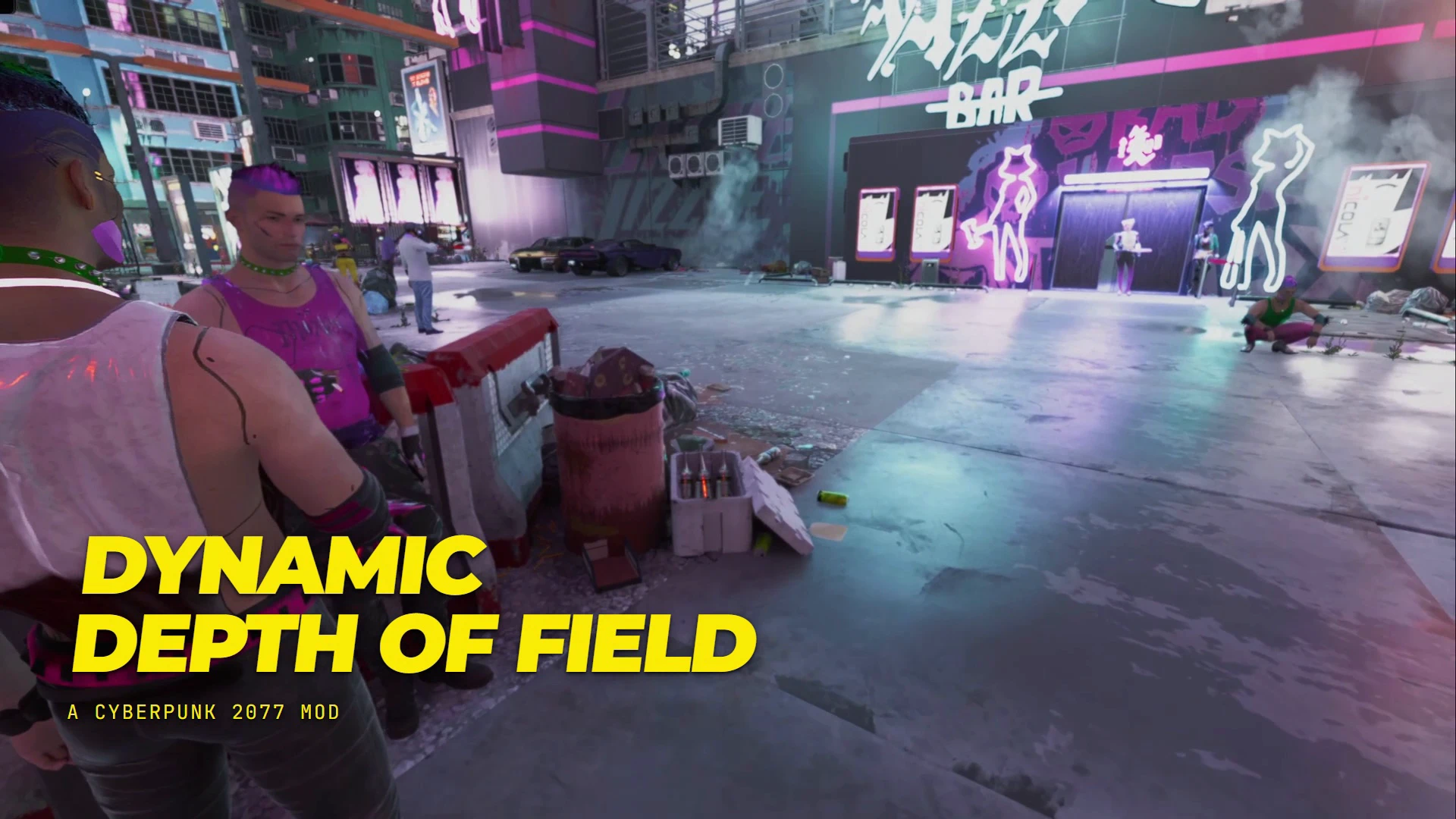
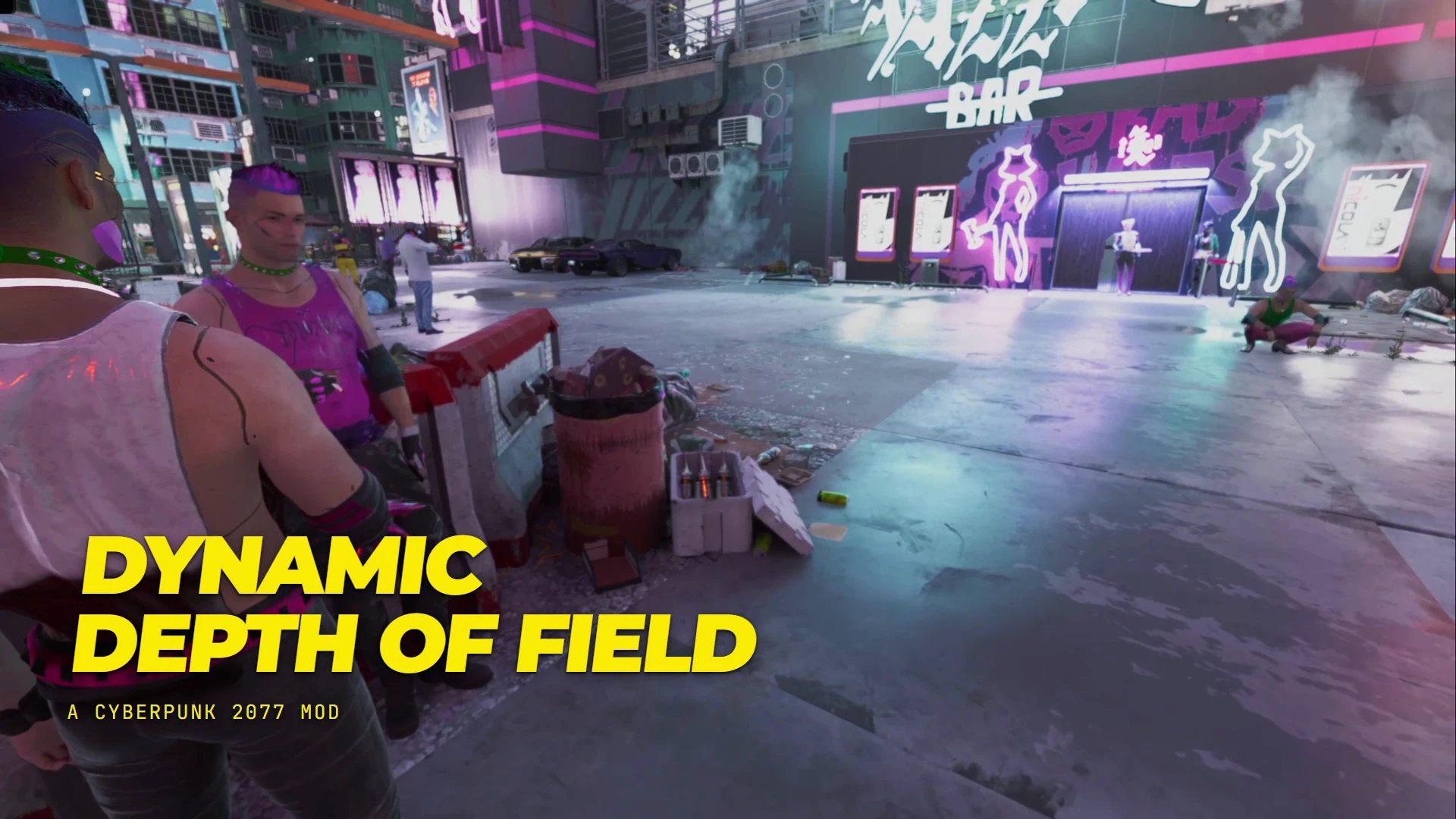
Automatic depth of field that follows where you look, with smooth focus transitions, configurable driving blur, and separate settings for interiors, nighttime, rain, fog, and sandstorms.
 查看大图
[size=6][b]Dynamic Depth of Field
[/b][/size]
[youtube]sTSCWPDuzZU[/youtube]
Dynamic Depth of Field automatically adjusts focus to what you are looking at, keeping your subject clear while softening the background. Look at something nearby and the scenery behind it blurs. Look into the distance and focus follows, with smooth transitions and adjustable strength.
It runs automatically during gameplay, with separate settings for interiors, nighttime, and different weather conditions.
The mod automatically turns off depth of field with weapon drawn, in combat, or when you enter a vehicle and automatically turns it back on when you exit those gameplay states. You can optionally set a speed-based blur while driving to kick in over certain speeds.
[b]The game's Depth of Field graphics setting does not need to be enabled. This mod does not change your graphics settings.[/b]
[size=5][b]Features
[/b][/size]
[][b]Automatic focus:[/b] Focus follows the surface at the center of your view.[/]
[][b]Smooth focus transitions:[/b] Adjust how quickly focus moves between nearby objects and distant scenery.[/]
[][b]Adjustable background blur:[/b] Control blur strength, background falloff, and how much softening remains when looking into the distance.[/]
[][b]Driving blur:[/b] Add distance blur above a configurable driving speed, with adjustable strength and an optional gradual buildup.[/]
[][b]Situational profiles:[/b] Set different behavior for interiors, nighttime, rain and storms, fog and smog, and sandstorms.[/]
[][b]Automatic suppression:[/b] The effect steps aside during scanning, underwater diving, takedowns, braindances, restricted scenes, and Photo Mode.[/]
[][b]Combat options:[/b] Blur fades out when a weapon is drawn or combat begins by default. Both options can be changed.[/]
[][b]Third-person option:[/b] Allow the effect while using a third-person camera mod, or restrict on-foot blur to first person.[/]
[][b]No additional gameplay keybinds:[/b] Load a save and the effect runs automatically.
You can change the settings by opening [b]Mod Settings → Dynamic Depth of Field[/b] to adjust the effect.
[b]General settings[/b]
[/]
[][b]Strength:[/b] Controls the blur intensity. The default is 0.15.[/]
[][b]Focus Speed:[/b] Higher values produce faster focus changes. Lower values give a slower camera-lens effect.[/]
[][b]Background Falloff:[/b] Controls how gradually the background reaches full blur behind the focus point.[/]
[][b]Distant Softening:[/b] Controls how much blur strength remains when looking far away. Set it to 0 for a sharper distant view.[/]
[][b]Work In Third Person:[/b] Enables or disables on-foot blur when a third-person camera is detected.
[b]Interiors, night, and weather[/b]
Each condition has three modes:
[/]
[][b]Normal:[/b] Uses the next applicable profile, then the general settings.[/]
[][b]Off:[/b] Disables this mod's blur while that condition applies.[/]
[][b]Custom:[/b] Uses that condition's own Strength, Focus Speed, and Distant Softening settings.
All condition profiles start on Normal.
Interior overrides take priority indoors, where weather profiles do not apply. Outdoors, an active weather override takes priority over the night profile. If neither provides an override, the night profile can apply, followed by the general settings.
Night defaults to [b]21:00–05:00[/b], with adjustable start and end hours.
These profiles control the on-foot effect. Driving uses its own settings.
[b]Driving[/b]
Speed Blur is enabled by default and starts above [b]80 km/h[/b]. You can change the threshold and strength, or disable it entirely.
Enable [b]Gradual Speed Blur[/b] to build the effect progressively over the next 60 km/h above your chosen threshold. With that option disabled, the effect fades toward its full configured strength once you cross the threshold.
Driving blur softens distant scenery; it is a depth-of-field effect rather than directional motion blur.
[size=5][b]Requirements[/b][/size]
Install the latest available versions compatible with your game.
[b]Direct requirements[/b]
[list]
[][url=https://www.nexusmods.com/cyberpunk2077/mods/1511]redscript[/url] — runs the mod's scripts.[/]
[][url=https://www.nexusmods.com/cyberpunk2077/mods/2380]RED4ext[/url] — loads the native framework plugins.[/]
[][url=https://www.nexusmods.com/cyberpunk2077/mods/7780]Codeware[/url] — provides the background service, session callbacks, and logging used by the mod.[/]
[][url=https://www.nexusmods.com/cyberpunk2077/mods/30296]XUtils[/url] — provides the native depth-of-field renderer. Without it, this mod cannot apply blur.[b]Also install XUtils' listed requirements[/b][/]
[/list][/]
[][url=https://www.nexusmods.com/cyberpunk2077/mods/107]Cyber Engine Tweaks[/url][/]
[][url=https://www.nexusmods.com/cyberpunk2077/mods/4575]Input Loader[/url][/]
[][url=https://www.nexusmods.com/cyberpunk2077/mods/4885]Mod Settings[/url]
Mod Settings provides the configuration menu for Dynamic Depth of Field. This mod's own scripts can use their default values without it, but Mod Settings is also listed as a requirement by XUtils.
[size=5][b]Installation[/b][/size]
[b]Manual installation[/b]
1. Install the requirements first.
2. Extract the download and locate its r6 folder. If it is inside an outer Dynamic Depth of Field folder, open that folder first.
3. Copy r6 into your Cyberpunk 2077 game directory and merge folders when prompted.
4. Confirm that the scripts are located at:
[b]Cyberpunk 2077\r6\scripts\DynamicDOF\[/b]
5. Launch the game and load a save.
[b]Mod Organizer 2[/b]
Install the downloaded archive through MO2. In the installation preview, make sure r6 is directly beneath the mod's content root. If necessary, set the outer Dynamic Depth of Field folder as the data directory. Enable the mod and launch the game through MO2.
[b]Vortex[/b]
Install the downloaded archive through Vortex, enable it, and deploy your mods. The deployed scripts should appear under r6\scripts\DynamicDOF in the game directory.
[b]Uninstallation[/b]
Disable and remove the mod through your mod manager, or manually remove only:
[b]Cyberpunk 2077\r6\scripts\DynamicDOF[/b]
Restart the game after installing, updating, or removing the scripts.
[size=5][b]First Use[/b][/size]
Load a save, holster your weapon, and look at a nearby object with scenery behind it. Move your view between nearby and distant subjects to see the focus change.
The effect starts enabled. No console commands or hotkeys are needed.
Use Mod Settings to tune the look. For a subtler effect, lower Strength. For less softness when looking into the distance, lower Distant Softening.
[size=5][b]Compatibility and Limitations[/b][/size]
[list]
[]Photo Mode releases this mod's depth-of-field override so Photo Mode can control its own effect.[/]
[]Other mods that actively control the same depth-of-field renderer may compete with this mod. Disable one effect if you encounter conflicting behavior.[/]
[]Third-person detection is based on camera position. Behavior can vary with unusual camera setups.[/]
[]Weather profiles depend on the weather state reported by the game. Custom weather states may not match the rain, fog, or sandstorm categories.[/]
[]Focus is based on collision detection. Transparent surfaces and objects with unusual or missing collision may not focus as expected.[/]
[]Performance impact has not been benchmarked but I only see 1-2 fps hit on my system (3060)[/]
[/list]
[size=5][b]Troubleshooting[/b][/size]
[b]I cannot see any blur.[/b]
Make sure Enable is switched on, holster your weapon, leave combat, and test on foot outside Photo Mode or the scanner. Check that the active condition profile is not set to Off.
Confirm that XUtils and its native plugin are installed correctly. Missing XUtils leaves the mod inactive. If its rendering hook fails, the effect stays inactive for that session.
[b]Driving blur is not appearing.[/b]
Check that Speed Blur is enabled and that you are driving above the configured threshold. The effect does not run while riding as a passenger. Weapon and combat suppression can also take priority.
[b]The image is too soft.[/b]
Lower Strength and Distant Softening. Check any Custom interior, night, or weather profile, since its settings can override the general values.
[b]I need to report a problem.[/b]
Include your game version, framework versions, relevant settings, and any other camera or depth-of-field mods you use. Logs are written under:
[b]r6\logs\mods\DynamicDOF.log[/b]
Debug Logging adds periodic focus and blur readings for troubleshooting.
[size=5][b]Credits[/b][/size]
Thanks to [url=https://www.nexusmods.com/cyberpunk2077/users/24735399]theCyanideX[/url] for XUtils and [b]MisterChedda[/b] for the native depth-of-field rendering work used by its renderer.
Thanks also to the creators and contributors behind redscript, RED4ext, Codeware, Cyber Engine Tweaks, Input Loader, and Mod Settings.
Check My Other Mods:
[b][url=https://www.nexusmods.com/cyberpunk2077/mods/34946]Dynamic Depth of Field[/url]
[url=https://www.nexusmods.com/cyberpunk2077/mods/34225]Network 54 New Tower Interior[/url]
[url=https://www.nexusmods.com/cyberpunk2077/mods/34125]NCPD Precinct Interior[/url]
[url=https://www.nexusmods.com/cyberpunk2077/mods/33547]Radial Clothing Wheel Menu[/url]
[url=https://www.nexusmods.com/cyberpunk2077/mods/33880]NC Medical Center - JCJ's Interiors[/url]
[url=https://www.nexusmods.com/cyberpunk2077/mods/33371]North Oak Casino Complete[/url]
[url=https://www.nexusmods.com/cyberpunk2077/mods/33370]Street Games - Fight Club[/url]
[url=https://www.nexusmods.com/cyberpunk2077/mods/33369]Street Games - Playable Poker[/url]
[url=https://www.nexusmods.com/cyberpunk2077/mods/33368]Street Games - Playable Basketball[/url]
[url=https://www.nexusmods.com/cyberpunk2077/mods/33361]Street Games - Playable Pool and Billiards[/url]
[url=https://www.nexusmods.com/cyberpunk2077/mods/32013]Object Manipulation Framework[/url]
[url=https://www.nexusmods.com/cyberpunk2077/mods/33140]Faction and District Combat Music[/url]
[url=https://www.nexusmods.com/cyberpunk2077/mods/8175]Night City Talk Radio[/url]
[url=https://www.nexusmods.com/cyberpunk2077/mods/30371]Custom Main Menu Music[/url]
[url=https://www.nexusmods.com/cyberpunk2077/mods/30373]Killstreak XP[/url]
[/b]
[list]
[][url=https://www.nexusmods.com/cyberpunk2077/mods/32013][/url][/]
[/list][/*]
正在加载版本记录…
正在加载评论…
评论在新手盒子客户端中发表,这里同步展示。