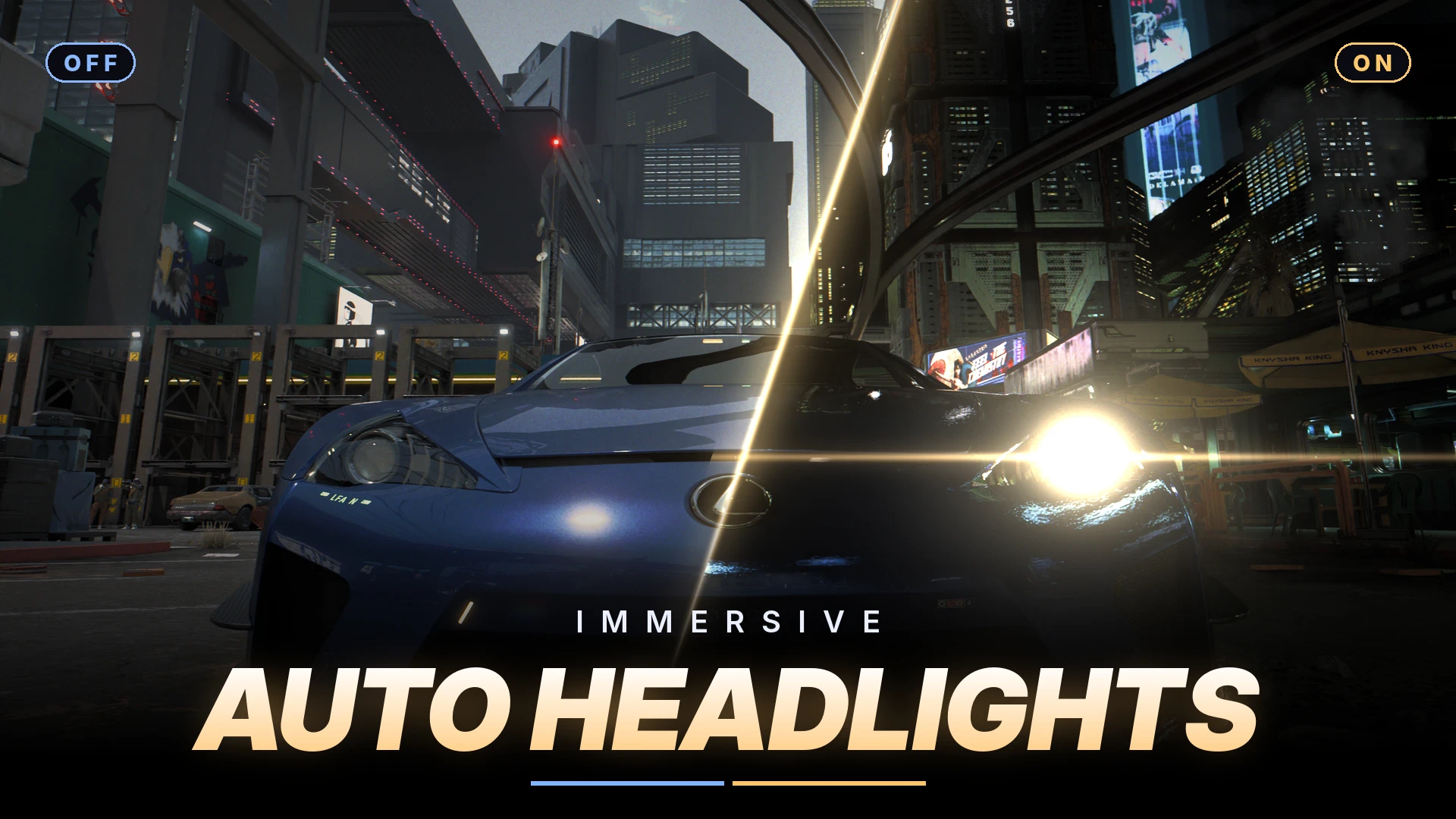
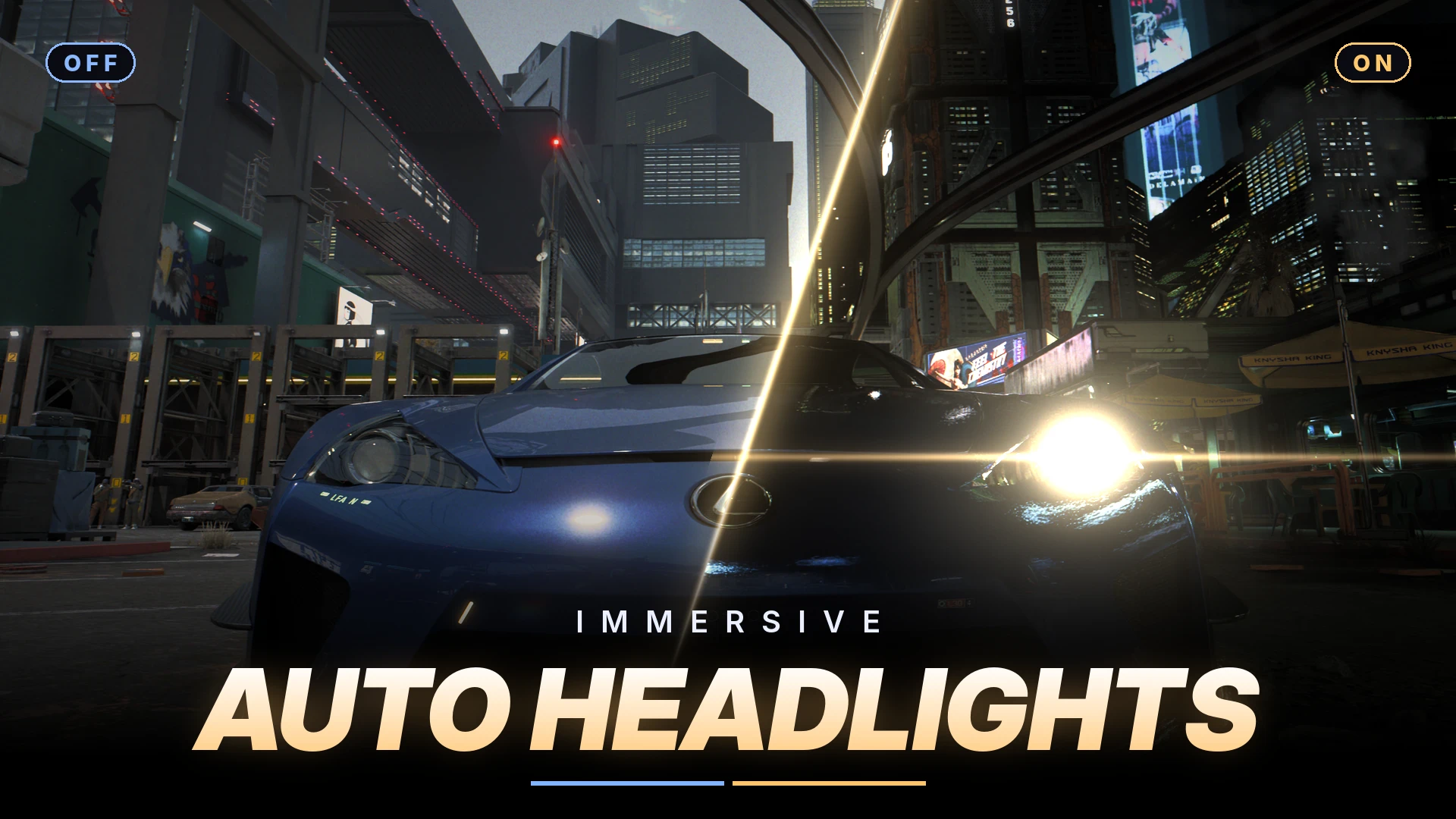
Immersive Auto Headlights
Automatically turn your cars headlights on or off based on time of day or even ambient light!
 查看大图
[size=4][b]Built with AI assistance and personally tested and refined by me. Source is on GitHub (MIT). [/b][/size]
[size=4][b][url=https://github.com/oitenk/AutoHeadLights]Link to GitHub Page[/url] [/b][/size]
[center][size=4][img]https://staticdelivery.nexusmods.com/mods/3333/images/34610/34610-1791058946-1467951909.gif[/img][/size][/center]
[color=#f1c232][size=4][b]I like immersion mods. I like cars. I like when cars have more immersive features.[/b][/size][/color]
[size=3][color=#D4D4D8]I bring you: Auto Headlights.[/color][/size]
[size=3][color=#D4D4D8]Yes, just like the auto headlights your car has, this mod will toggle the lights on or off depending on time of day and brightness levels.[/color][/size]
[color=#D4D4D8]What that means is driving through longer tunnels the lights will turn on then off after exiting (able to be user configured). The delay defaults high enough that you shouldn't get a flicker effect of the lights turning on and off too quickly at every little overpass.
One strange bit is being parked under a structure, like a gas station awning will turn the lights on as well. (Now added to be a configurable option in Mod Settings)[/color]
[color=#D4D4D8]I have tested with and without [url=https://www.nexusmods.com/cyberpunk2077/mods/28589]VSS[/url] and have had great results, however I do not use EVS, so I cannot confirm functionality with that mod at this time.[/color]
[size=4][b]Main features[/b][/size]
[list]
[][color=#D4D4D8][b]Night:[/b] lights on between configurable in-game hours (default 19:00 to 06:00).[/color][/]
[][color=#D4D4D8][b]Bad weather:[/b] rain, fog, pollution, sandstorms and heavy clouds count as dark.[/color][/]
[][color=#D4D4D8][b]Tunnels and cover:[/b] detects roofs, garages and overpasses, with its own delay so short overpasses don't flicker the lights.[/color][/]
[][color=#D4D4D8][b]Low beams only:[/b] high beams are left alone if you turn them on yourself.[/color][/]
[][color=#D4D4D8][b]Manual override:[/b] using your headlight key pauses auto mode for the rest of the drive.[/color][/]
[][color=#D4D4D8][b]Pause / resume key:[/b] configurable key, with an optional Shift, Ctrl or Alt modifier.[/color][/]
[][color=#D4D4D8][b]Mod Settings menu:[/b] every option can be changed in game.[/color][/]
[][color=#D4D4D8][b]Adjustable ceiling height:[/b] set how far above the vehicle a roof still counts as cover (default 10 m), so high overpasses and elevated highways don't trigger the lights.[/color][/]
[][color=#D4D4D8][b]Motorcycles:[/b] headlight stays on whenever the engine is running, day or night (can be turned off in settings).[/color][/]
[][color=#D4D4D8][b]Standalone:[/b] works on its own or alongside [url=https://www.nexusmods.com/cyberpunk2077/mods/28589]Vehicle Systems Simulation (VSS)[/url], and overrides VSS's force-on-at-entry behavior without modifying it.[/color][/]
[][b]NPC: [/b]Only affects player driven vehicles, for NPC headlight control look into [url=https://www.nexusmods.com/cyberpunk2077/mods/24020]Adaptive Traffic Headlights[/url][/]
[/list]
[size=4][b]Requirements[/b][/size]
[list]
[][color=#D4D4D8][url=https://www.nexusmods.com/cyberpunk2077/mods/1511]redscript[/url][/color][/]
[][color=#D4D4D8][url=https://www.nexusmods.com/cyberpunk2077/mods/2380]RED4ext[/url][/color][/]
[][color=#D4D4D8][url=https://www.nexusmods.com/cyberpunk2077/mods/7780]Codeware[/url][/color][/]
[][color=#D4D4D8][url=https://www.nexusmods.com/cyberpunk2077/mods/4885]Mod Settings[/url][/color][/]
[/list][b]Installation instructions[/b]
Copy the r6 folder into your Cyberpunk 2077 install folder, so the script ends up at:
[code]Cyberpunk 2077\r6\scripts\AutoHeadlights\AutoHeadlights.reds[/code]
[b]I know we don't like AI-Mods too much, but I really just lack the knowledge. That shouldn't stop a good idea I believe. So, in the interest of transparency the code is freely available on GitHub under MIT license.[/b]
[url=https://github.com/oitenk/AutoHeadLights]Link to GitHub Page[/url]

正在加载版本记录…
正在加载评论…
评论在新手盒子客户端中发表,这里同步展示。