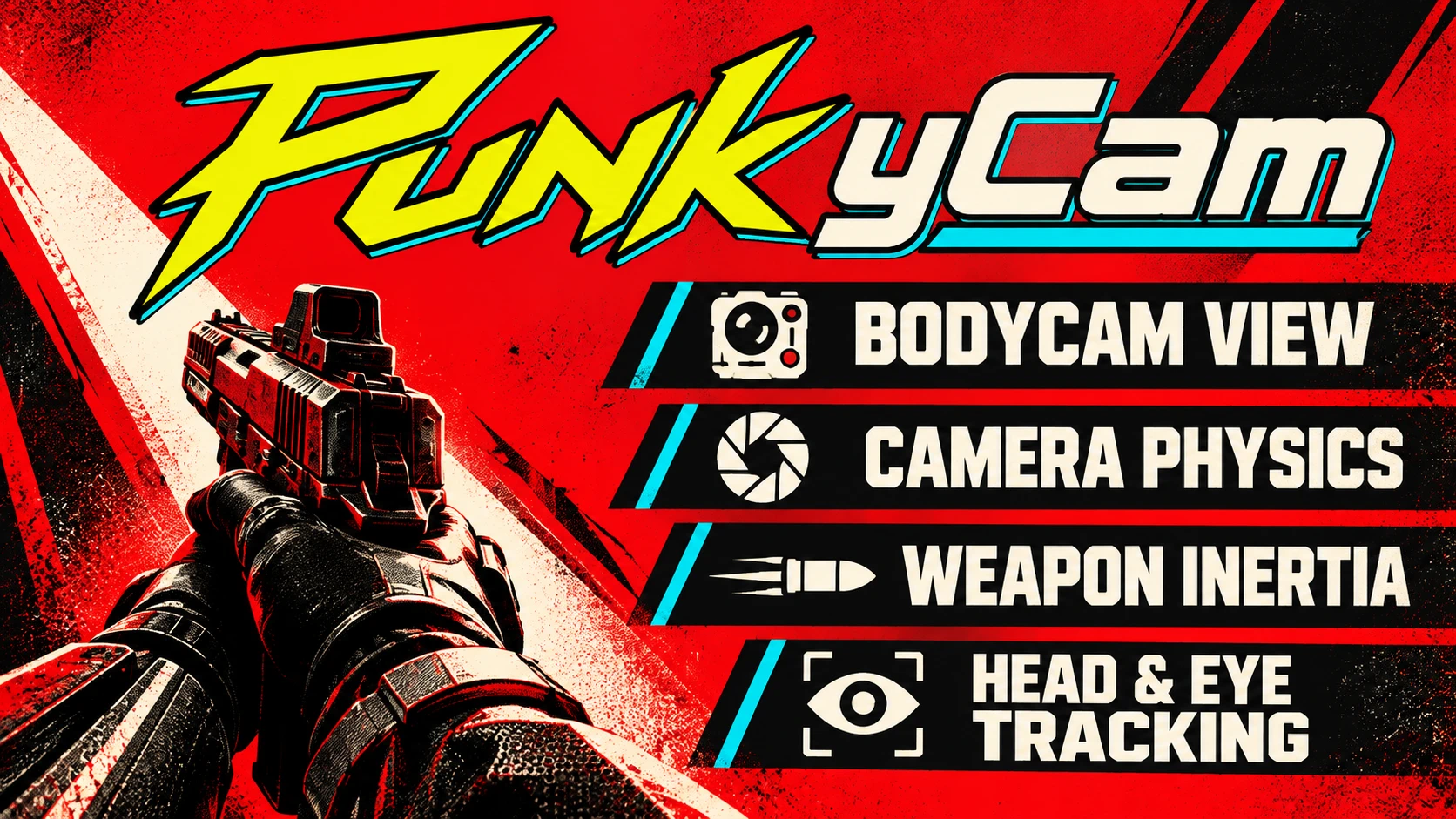
Punk yCam - Immersive Bodycam Camera System
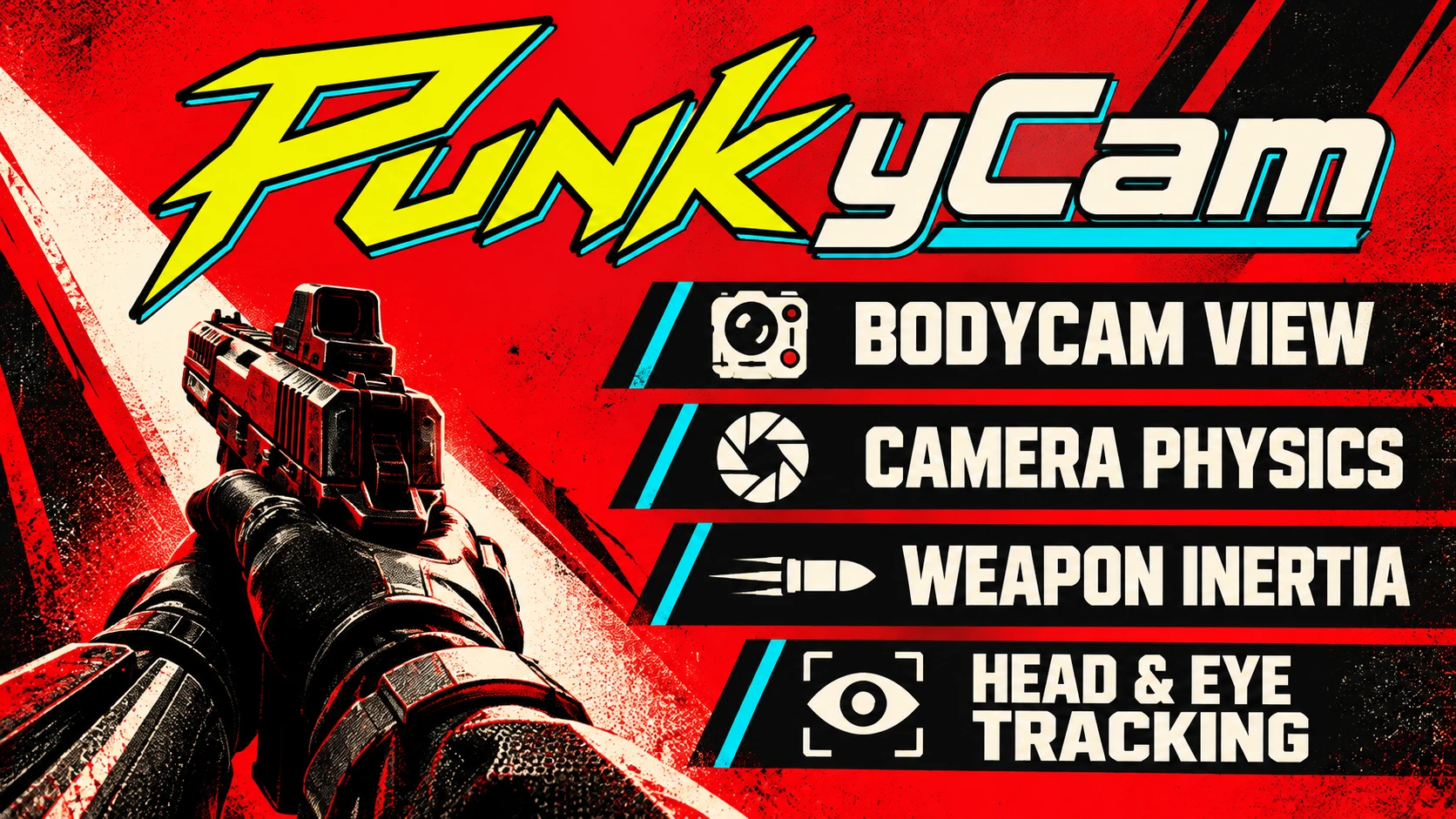
A bodycam-inspired first-person camera for Cyberpunk 2077 (not a reshade): the view trails your aim, your weapon has weight and shots follow the barrel. Free Look, Tobii/OpenTrack head and eye tracking, weapon inspect, keypad thumbstick walking. Tunable in companion PunkyCam Studio GUI . Needs CET and RED4ext.
 查看大图
[center][img width=733]https://staticdelivery.nexusmods.com/mods/3333/images/34587/34587-1790951952-143165312.png[/img][/center]
[center][size=4][color=#00F0FF]YOUR EYES AND YOUR WEAPON, NO LONGER GLUED TOGETHER[/color][/size]
[size=2][color=#7a8496]A bodycam-inspired camera and weapon mod for Cyberpunk 2077 // tunable in PunkyCam Studio[/color][/size][/center]
[center][b][color=#cc0000]CONSIDER THIS AN EARLY BETA, CAN INDUCE CYBERPSYCHOSIS[/color][/b][/center]
[line]
[color=#FF003C][b]// DISCLAIMER[/b][/color]
Hello!!! NIG0s here, the same slop-maker behind [url=https://www.nexusmods.com/stalker2heartofchornobyl/mods/2746][color=#00F0FF]Slop yCam[/color][/url] for S.T.A.L.K.E.R. 2. Same confession as there: everything you see here was built with heavy help from AI. I couldn't have done it on my own. What I did do is play it, break it, a lot, and send it back to the drawing board every time something didn't work or a feature had to be improved. This carries the same lessons learned in Slop yCam here in Cyberpunk, which is another all-time favorite of mine that, thanks to the real life cousins of Delamain, is now much easier to mod.
I never liked how glued together your eyes and your gun are in most shooters. PunkyCam is my attempt to give Night City the same treatment I gave the Zone: a more immersive camera with a bit of life of its own, a weapon that feels like something you hold, and shots that still go exactly where the barrel points. Subtle by default, fully tunable if you want more (or less).
Not everyone's cup of tea, but hopefully someone else will enjoy this as much as I enjoy playing with it.
[b][color=#FCEE0A]This is a beta.[/color][/b] It works reasonably well for me, but please tell me when it doesn't, and I'll do my best to fix it as long as I have tokens left to burn.
[center][img]https://staticdelivery.nexusmods.com/mods/3333/images/34587/34587-1790951989-71957039.png[/img][/center]
[center]If you'd like to help feed the Slopbot: [url=https://ko-fi.com/nigos][color=#00F0FF]ko-fi.com/nigos[/color][/url][/center]
[line]
[center][youtube]dblv1FLpvfY[/youtube]
[/center]
[size=5][b][color=#FCEE0A]// WHAT IT DOES[/color][/b][/size]
The view follows your aim a moment later, the weapon swings and settles with its weight, and hip-fire goes where the barrel points. Pick a preset in one click, or tune everything in [b][color=#00F0FF]PunkyCam Studio[/color][/b], the settings app that comes with the mod. Changes reach the running game within a second.
[size=4][b][color=#00F0FF]▸ CAMERA[/color][/b][/size]
[list]
[][b]A camera with a life of its own:[/b] the view trails your turns a little and catches up, so the weapon moves on the screen the way it would in your hands. How far and how quickly is up to you.[/]
[][b]Step sway:[/b] a gentle sway with each step, in rhythm with your walk and run.[/]
[][b]Calm horizon:[/b] a light tilt in turns that you can turn down or off.[/]
[][b]Dialogue and cinematics:[/b] in dialogue (seated, leaning, even in a car) and in cinematics seen through V's eyes, the view keeps its soft follow and your eye tracking. No sudden cut when a scene starts or ends.[/]
[/list]
[size=4][b][color=#00F0FF]▸ WEAPON[/color][/b][/size]
[list]
[][b]Weight:[/b] the weapon lags as you start a turn, carries on when you stop and swings back. Two styles: [i]Game[/i] (quick and direct) or [i]Bodycam[/i] (a held mass that weighs into turns).[/]
[][b]Shots down the barrel:[/b] your shots and the crosshair follow where the weapon really points, however far it trails your view.[/]
[][b]ADS feel:[/b] down the sights the weapon keeps a soft trail of its own. Prefer the game's still sights? One switch keeps the view on them, and magnifying scopes always do.[/]
[][b]Hold it your way:[/b] carry the weapon lower, closer, nearer the middle or tilted, with quick poses to start from. First-person FOV can make the weapon bigger and closer.[/]
[][b]Per-weapon profiles:[/b] own values for a whole class (every pistol) or for one single weapon, modded weapons included. Edited right in Studio.[/]
[][b]Weapon inspect:[/b] [color=#FCEE0A]F7[/color] brings the weapon up to show its side and the mouse turns it. Fire or aim and it's back at once.[/]
[/list][center][/center]
[size=4][b][color=#00F0FF]▸ BODYCAM, REALISM AND COMFORT[/color][/b][/size]
[list]
[][b]Presets:[/b] Beginner, Bodycam, Comfort, I am puking here man, and Author's pick. Or [b]Game's own feel[/b]: the game's movement plus only the parts you switch on.[/]
[][b]Easy tuning:[/b] four sliders for a feeling instead of a number: Calm, Weight, Freedom and Motion.[/]
[][b]Realistic modes[/b] (each off by default): weapons that move by their mass and length, a body with momentum when you start and stop, breath, fatigue, footfalls and the weight of what you carry.[/]
[][b][color=#FF003C]Motion sickness?[/color][/b] Comfort and "I am puking here man" keep the feel with a calmer view, and [i]Only down the sights[/i] leaves the hip exactly like the unmodded game.[/]
[/list]
[size=4][b][color=#00F0FF]▸ LOOKING AROUND[/color][/b][/size]
[list]
[][b]Free Look:[/b] hold [color=#FCEE0A]Left Alt[/color] (or set it to toggle) to look around while you keep your aim. Your upper body turns with wide looks, as far as a body would.[/]
[][b]Head tracking:[/b] Tobii, or OpenTrack/FreeTrack (TrackIR through OpenTrack, AITrack, webcam and phone trackers). Turn and lean your head and the view follows.[/]
[][b]Eye tracking[/b] (Tobii): look towards a screen edge and the view gently turns that way. Speed, how long it holds when the tracker loses your eyes, and how fast it returns are all adjustable.[/]
[][b]Scanner that follows your eyes[/b] (Tobii, [color=#FF003C][b]EXPERIMENTAL[/b][/color], off by default): the scanner and quickhacks pick the target you rest your eyes on.[/]
[/list]
[size=4][b][color=#00F0FF]▸ A THUMBSTICK BESIDE THE KEYBOARD[/color][/b][/size]
[list]
[]Keypads like the Razer Tartarus look like a gamepad to the game, which then flips to gamepad prompts and drops your keys. PunkyCam keeps the game on keyboard and mouse, lets you walk with the stick at any speed, and crouch while you walk.[/]
[]The stick walks even though it reports as the right stick, and you choose which way is forward on a dial (or hold the stick and press [i]Use stick[/i]). No Input Loader file or extra plugin needed.[/]
[/list]
[line]
[center][img width=580]https://staticdelivery.nexusmods.com/mods/3333/images/34587/34587-1790954132-672576655.png[/img]
[/center]
[size=5][b][color=#FCEE0A]// PUNKYCAM STUDIO — MAKE IT YOURS[/color][/b][/size]
Studio lives inside the mod:
[code]bin\x64\plugins\cyber_engine_tweaks\mods\PunkyCam\Studio\PunkyCam Studio.exe[/code][list]
[][b]Mod Organizer 2:[/b] add it as an executable (Executables → + → Binary = the file above inside your mods folder), then start it from MO2. It finds its settings by itself.[/]
[][b]Vortex or manual install:[/b] double-click it in the game folder.[/]
[/list]Home shows whether the game and the mod are talking, which features are on, and what's new. There's a short tour on the first start, a Feature guide with a little moving picture for every feature, named profiles you can save and load, and [color=#FCEE0A]Ctrl+K[/color] to find any setting. [color=#FCEE0A]Ctrl + mouse wheel[/color] changes the size of the window's content. Every setting is explained, with its default marked.
You can close Studio once you're happy: your settings stay saved.
[line]
[size=5][b][color=#FCEE0A]// REQUIREMENTS[/color][/b][/size]
[list]
[]Cyberpunk 2077 [b]2.31[/b]. Played and checked on GOG. Steam and Epic should work, since the mod finds the game code it needs by itself, but nobody has confirmed them yet. [color=#00F0FF]Please tell me![/color][/]
[][url=https://www.nexusmods.com/cyberpunk2077/mods/107][color=#00F0FF]Cyber Engine Tweaks[/color][/url] (tested with 1.37.1)[/]
[][url=https://www.nexusmods.com/cyberpunk2077/mods/2380][color=#00F0FF]RED4ext[/color][/url] (tested with 1.30.0)[/]
[]Windows 10 or 11. Studio uses the .NET Framework and WebView2 that Windows already has.[/]
[]Optional: a Tobii eye tracker (Tobii Experience installed), or OpenTrack with its FreeTrack output on.[/]
[/list]
[size=5][b][color=#FCEE0A]// INSTALLATION[/color][/b][/size]
[list]
[][b]Mod Organizer 2:[/b] install the ZIP as a new mod and enable it.[/]
[][b]Vortex:[/b] install with Mod Manager Download, enable and deploy.[/]
[][b]Manual:[/b] extract the ZIP into the game folder (the one that contains "bin"). It holds two folders, "bin" and "red4ext".[/]
[/list][color=#FF003C][b]PunkyCam starts switched OFF.[/b][/color] Turn it on with the big switch at the top of Studio, or in the CET overlay. Then pick a preset on the Presets page.
[b]Updating:[/b] close the game and Studio, install the new ZIP over the old one (MO2: Replace). Your settings are kept.
[b]Uninstalling:[/b] remove it in your mod manager, or delete red4ext\plugins\PunkyCam and bin\x64\plugins\cyber_engine_tweaks\mods\PunkyCam.
[line]
[size=5][b][color=#FCEE0A]// COMPATIBILITY[/color][/b][/size]
[list]
[][b]Other first-person camera mods[/b] (camera offsets, Free Look, weapon position or FOV per weapon) can clash. Try PunkyCam alone first if something looks wrong.[/]
[][b]MixedInputFix:[/b] don't run it together with PunkyCam's thumbstick support (they change the same game code, and PunkyCam's then stays off).[/]
[][b]Shift:[/b] its weapon, speed and camera motion pause while PunkyCam is active and come back afterwards.[/]
[]Normal FOV mods are fine. A wider game FOV plus a negative First-person FOV in PunkyCam gives you a wide world with a weapon of the size you like.[/]
[]This was tested with [b]Ultrapunk mod [/b]collection without noticing general failures. This is basically a hook mod that comes after everything and should be reasonably compatible with other things.[/]
[/list]
[size=5][b][color=#FCEE0A]// KNOWN LIMITS[/color][/b][/size]
[list]
[][b]First-person FOV only narrows.[/b] Cyberpunk won't draw the weapon wider than the world, so the setting runs from -30% to 0% (a bigger, closer weapon). For a smaller weapon, move it further away in Placement. For a wider world, raise the game's own Field of View.[/]
[]Cinematics with a camera of their own (not through V's eyes) pause PunkyCam. Driving pauses it too, except during a dialogue or cinematic in the car.[/]
[]The eye-driven scanner is experimental and off by default.[/]
[]Each native part checks the game's code before it starts. After a game update a part may read "verification_failed" in Studio's Diagnostics and stay off until PunkyCam is updated; the rest keeps working.[/]
[/list]
[line]
[size=5][b][color=#FCEE0A]// SOMETHING WRONG? FEEDBACK[/color][/b][/size]
Studio → [b]Diagnostics[/b] shows whether PunkyCam is active (and why not), what the tracker is doing and which native parts loaded. When you report a problem, please tell me:
[list]
[]GOG, Steam or Epic, and your mod manager[/]
[]what you were doing, and which weapon[/]
[]your other camera, animation or input mods[/]
[]which preset or Realistic parts you had on[/]
[/list]Logs help a lot: [color=#00F0FF]red4ext\logs\punkycamnative-.log[/color] and [color=#00F0FF]bin\x64\plugins\cyber_engine_tweaks\cyber_engine_tweaks.log[/color] (under MO2, look in the overwrite folder too).
[size=4][b][color=#00F0FF]▸ ANTIVIRUS[/color][/b][/size]
The files are new and unsigned, so a scanner may be cautious about them. Nothing in PunkyCam connects to the internet. If Windows Security blocks a file, you can allow it under Protection history.
[size=4][b][color=#00F0FF]▸ CREDITS[/color][/b][/size]
[list]
[][b]yamashi and the CET team[/b] for Cyber Engine Tweaks, [b]WopsS[/b] for RED4ext.[/]
[][b]dariulone[/b]: parts of the pose and ownership approach come from cyberpunk-vr-port (MIT).[/]
[][b]havner[/b]: MixedInputFix's notes showed where the game decides keyboard or gamepad. No code from it is included.[/]
[]Everyone who tested Slop yCam: PunkyCam stands on that feedback.[/*]
[/list]
[center][img]https://staticdelivery.nexusmods.com/mods/3333/images/34587/34587-1790952377-1743876121.png[/img]
[size=2][color=#7a8496]Made with a lot of AI help and plenty of hands-on play testing. Images show the real game and app.[/color][/size][/center]


正在加载版本记录…
正在加载评论…
评论在新手盒子客户端中发表,这里同步展示。