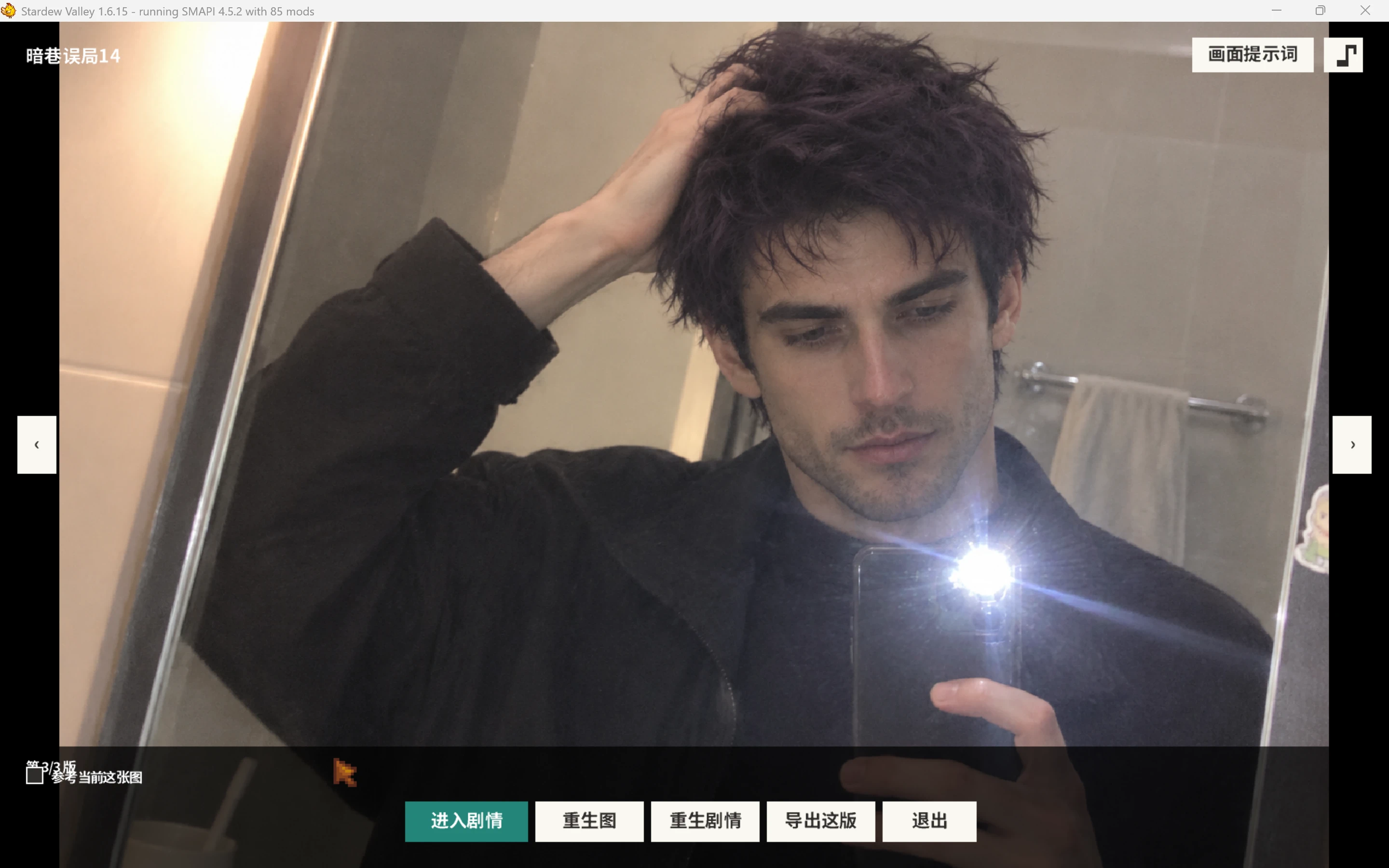
EAC Special CG - Character Story Chapters and Gallery
在星露谷内创作居民专属的剧情与 CG,接续章节、上传自己的图片,并在画廊中重温故事。
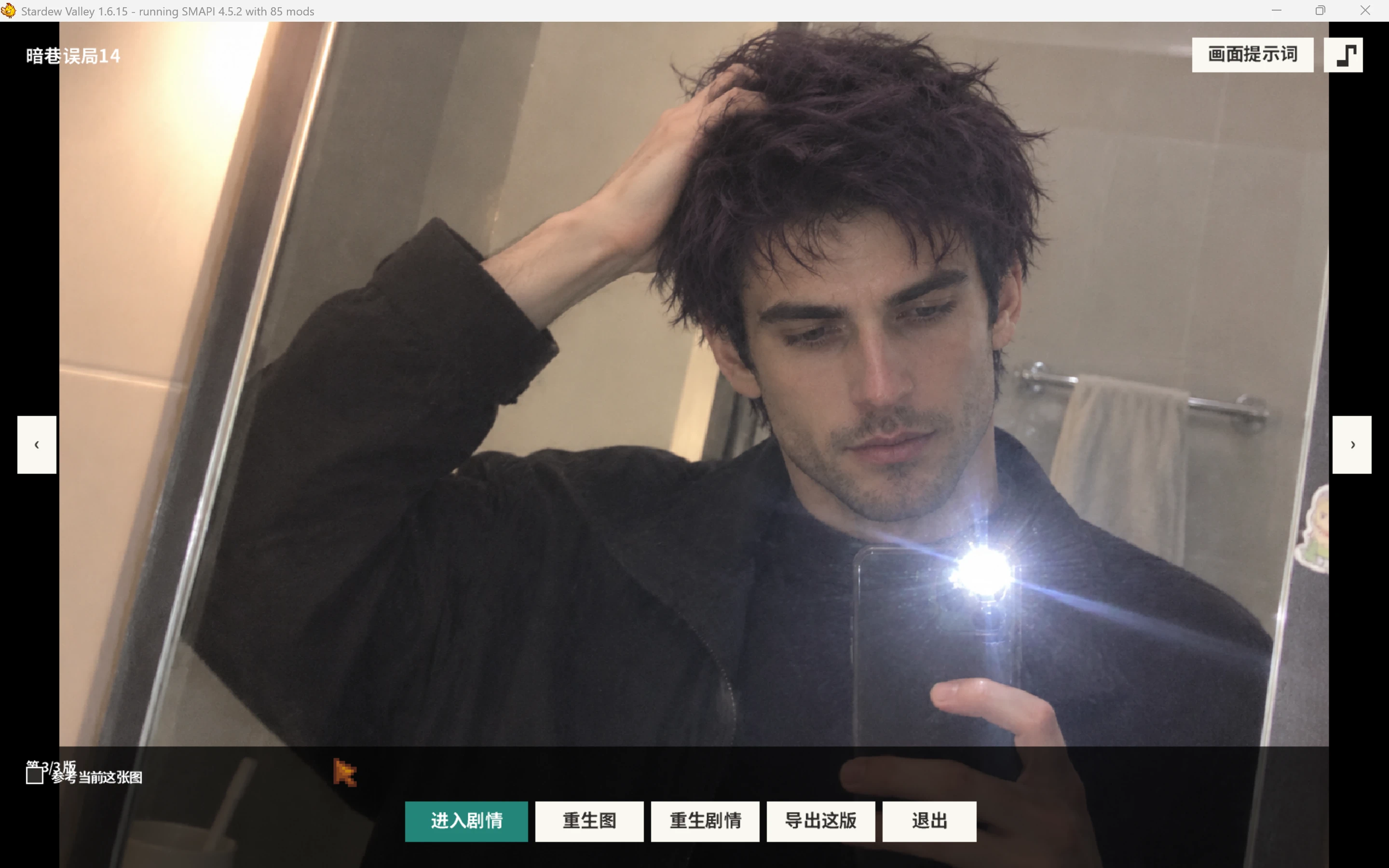 查看大图
[b]交流群: 291909629,一定要进群,群里有教程、有活人[/b]
EAC 特殊 CG 是 Evolving AI Conversation 的附属模组。你可以选择居民、填写剧情想法,由文字模型创作视觉小说章节,再由生图模型绘制对应的 CG;也可以上传自己的图片,让模型依据图片编写剧情。
章节会保存在游戏内画廊,可接续故事、重温演出、收藏、编辑画面提示词,以及重新生成剧情或图片。创作时可选择画风、画面视角,并提供角色形象参考图或动作参考图。生成的章节不会自动写入 EAC 记忆;是否录入由你在章节中决定。
需求: SMAPI 4.0.0 或更高版本;Evolving AI Conversation 3.12.17 或更高版本。Generic Mod Config Menu 可选。文字和生图模型需在 EAC 中正确配置。
安装: 解压下载的压缩包,将其中的 EAC特殊CG 文件夹放入游戏的 Mods 目录。进入存档后可用默认快捷键 K 打开。
EAC Special CG is an add-on for Evolving AI Conversation. Choose a character and describe a scene to create a visual-novel chapter and matching CG. You can also supply your own image and generate a story based on it.
Chapters are kept in an in-game gallery where you can continue a story, replay scenes, mark favorites, edit image prompts, and regenerate the story or image. Creation options include art styles, camera viewpoints, character appearance references, and an action reference image. Chapters are added to EAC memory only when you choose to record them.
Requirements: SMAPI 4.0.0 or newer and Evolving AI Conversation 3.12.17 or newer. Generic Mod Config Menu is optional. Configure a working text model and image model in EAC.
Installation: Extract the archive and place the EAC特殊CG folder in your game's Mods folder. The default in-game hotkey is K.
[b]交流群: 291909629,一定要进群,群里有教程、有活人[/b]
正在加载版本记录…
正在加载评论…
评论在新手盒子客户端中发表,这里同步展示。