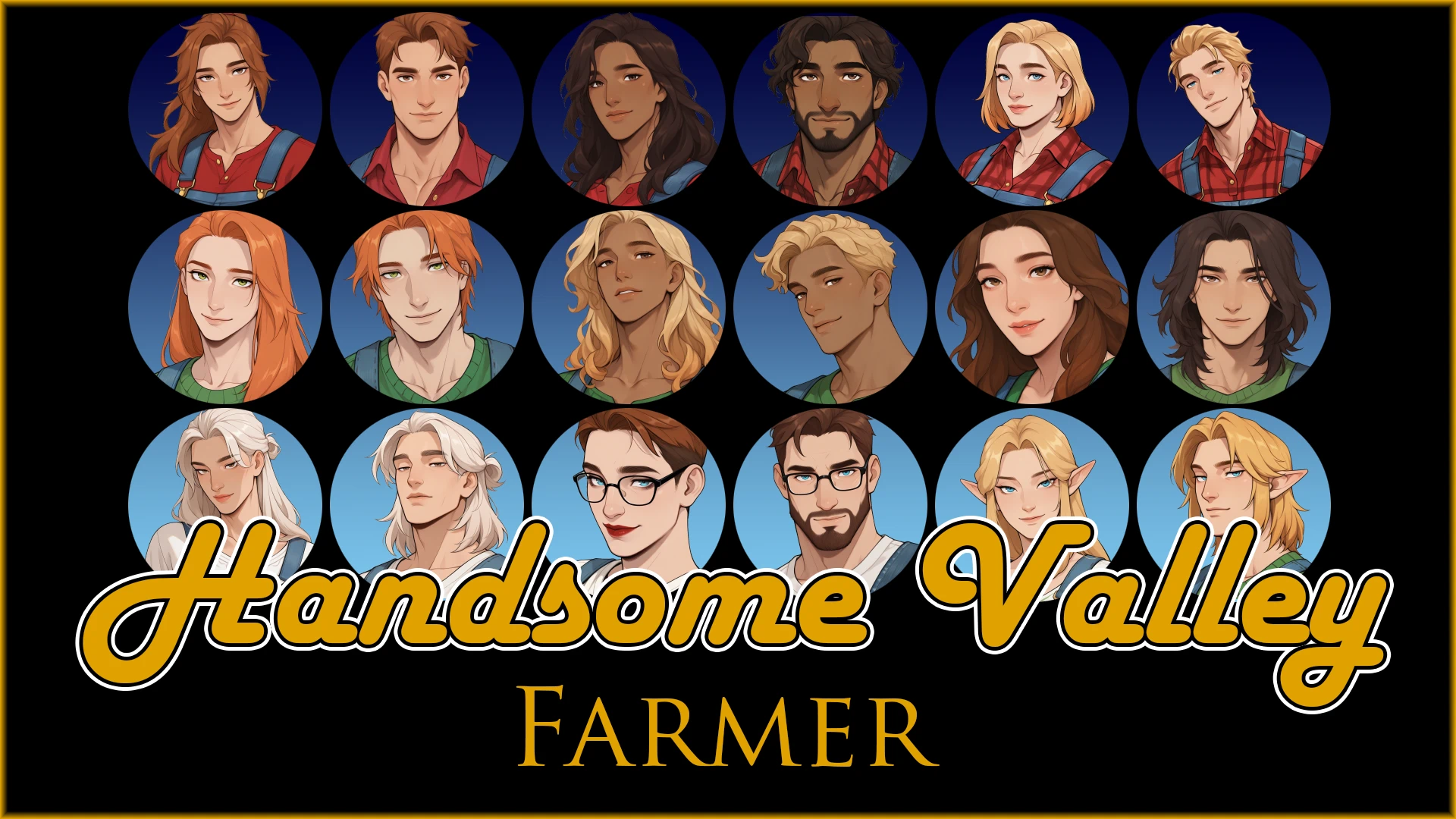
英俊农夫 - 对话UI无边框高清头像
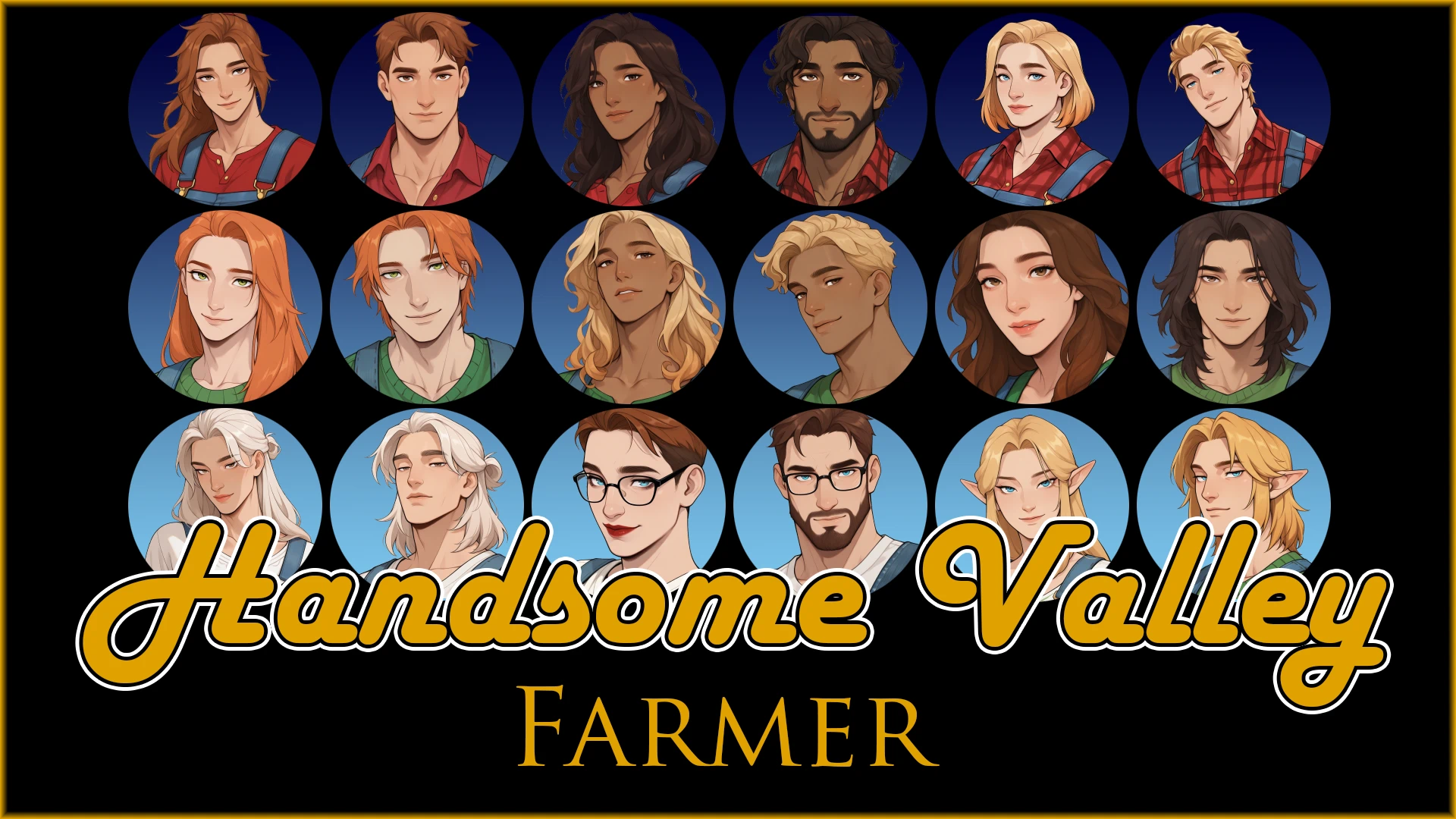
为acharles1的Dialogue UI Unboxed - Immersive Dialogue Speech Bubbles准备的30种不同的农夫肖像。
 查看大图
[color=#f1c232][size=5][b]英俊农夫 - Dialogue UI Unboxed 的高清头像[/b][/size][/color][size=4]
为 acharles1 的 Dialogue UI Unboxed - Immersive Dialogue Speech Bubbles 提供的 30 款不同农夫头像。
[color=#f1c232][size=5][b]安装:[/b][/size][/color][size=4]
[b]如何使用自定义农夫头像:[/b][/size]
[size=4]打开 DialogueUnboxed 模组文件夹内的 Farmer Portrait 文件夹。
删除其中已有的头像。
将你想使用的头像从 Handsome Farmer Portrait 文件中移入 Farmer Portrait 文件夹。
删除文件名中的数字,使其现在仅命名为 Farmer.png[/size]
[size=4][b]在游戏中启用它们:[/b]
打开 Generic Mod Config Menu (GMCM)。
选择 Dialogue UI Unboxed。
开启 Enable Farmer Portraits。
就这样!
[b][i]你可以随时在 GMCM 中开启或关闭农夫头像。你的头像文件不会被删除或修改。[/i][/b][/size]
[size=4]仅包含基础农夫头像,不包含季节性头像。
请注意,农夫的头像仅在你的农夫有话说时才会显示。
[b][color=#6aa84f]~你喜欢 Handsome Valley 吗?[/color] [/b][url=https://ko-fi.com/elinhime]请我喝杯咖啡![/url] ☕ [/size]
[size=4]
我有大量这种风格的各种模组头像。你可以在这里找到配套的原版头像:
[url=https://www.nexusmods.com/stardewvalley/mods/40398]https://www.nexusmods.com/stardewvalley/mods/40398[/url]
你可以在这里找到 Eugene 的头像:
[url=https://www.nexusmods.com/stardewvalley/mods/40433]https://www.nexusmods.com/stardewvalley/mods/40433[/url][/size]
[size=4][b][color=#6aa84f]想看到我更多作品?来 Handsome Valley Discord 打个招呼:[/color][/b][url=https://discord.gg/rpScKGE7DK]https://discord.gg/rpScKGE7DK[/url] [/size]
正在加载版本记录…
正在加载评论…
评论在新手盒子客户端中发表,这里同步展示。