自定义壁纸框架
一个用于创建宽幅高分辨率壁纸的框架。
 查看大图
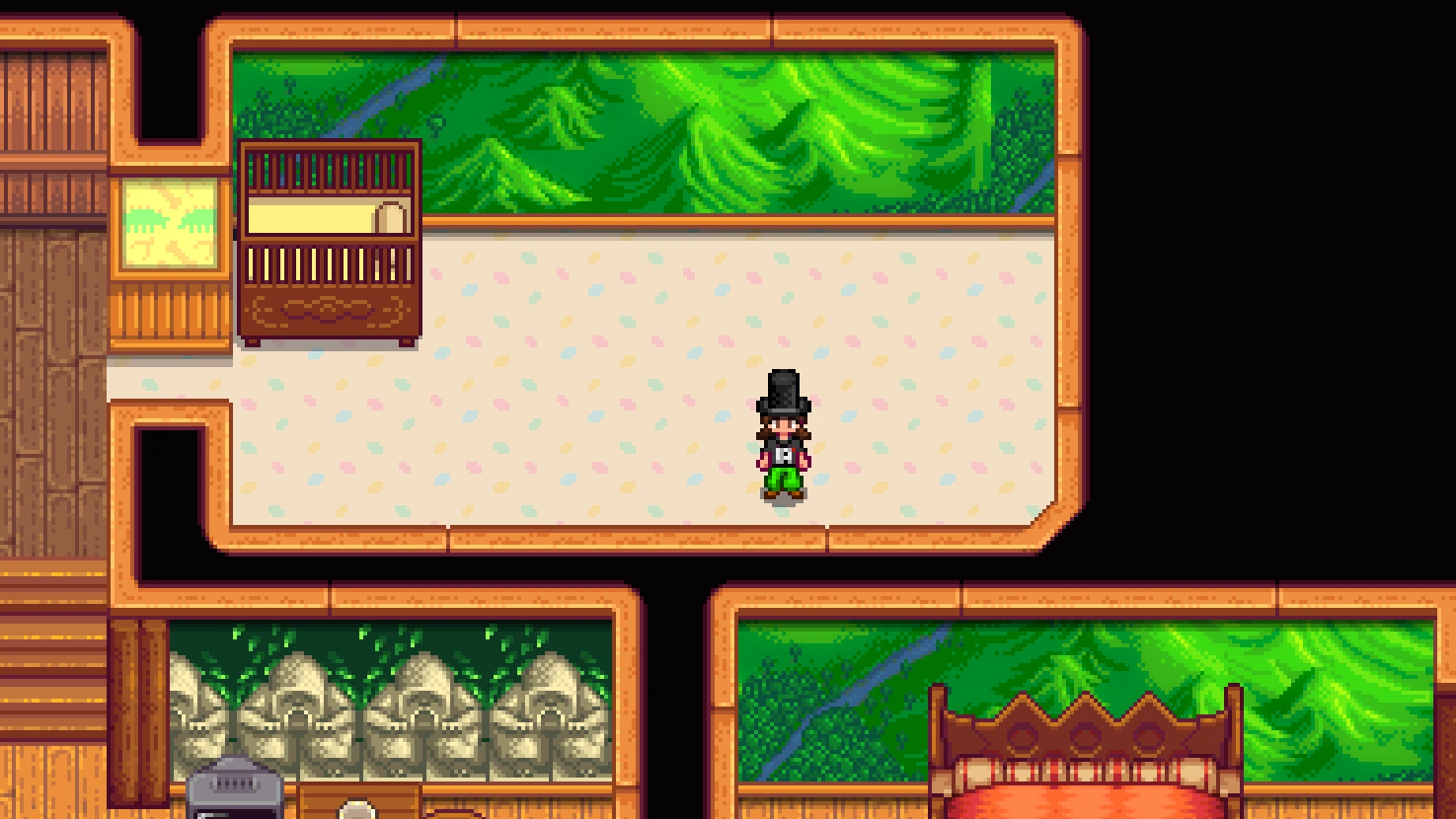
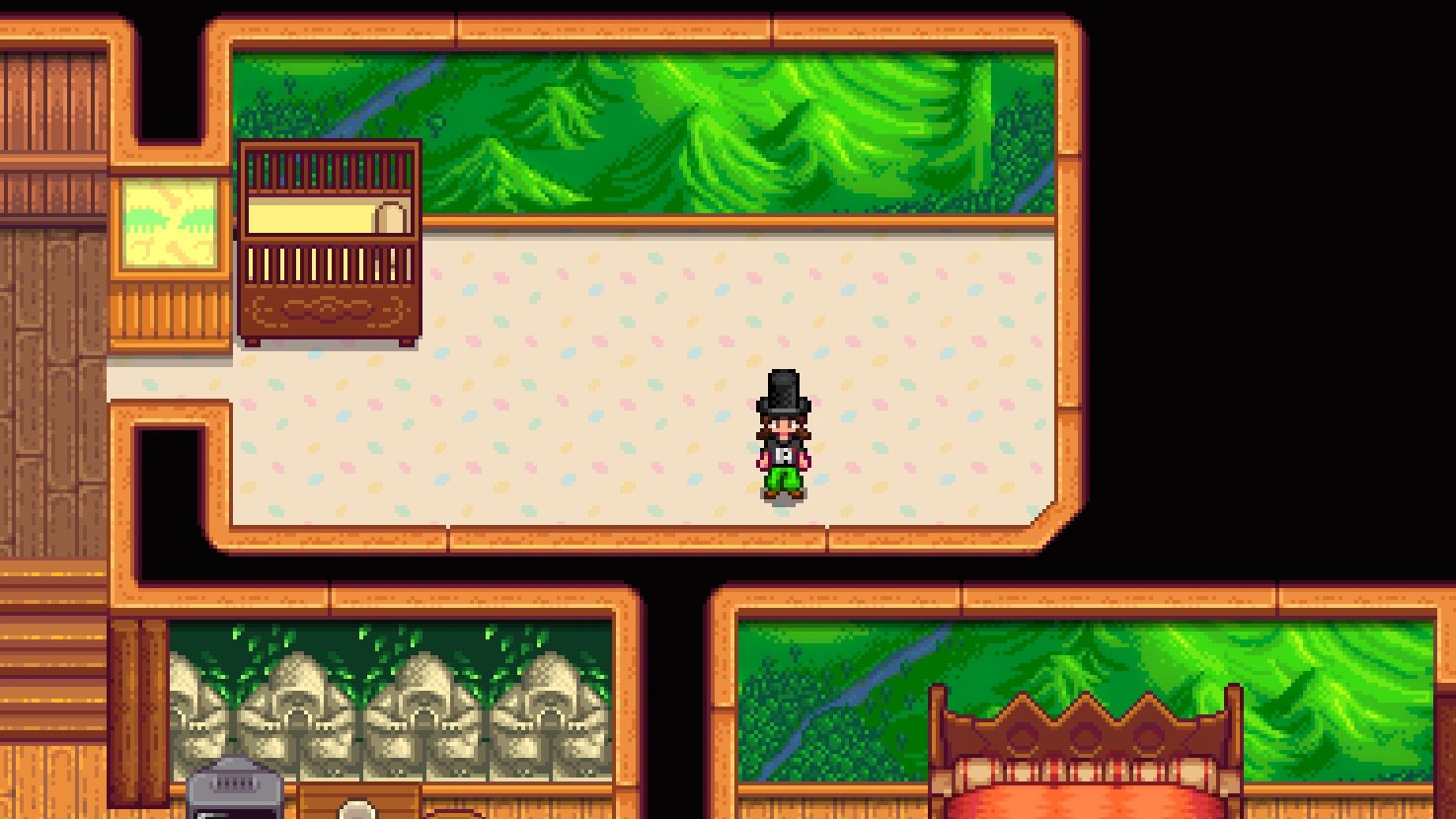
该框架允许模组作者使用 Content Patcher 创建宽幅高分辨率壁纸。
要实现此模组,请创建一个针对此模组字典的 Content Patcher 补丁,例如:
[code]{ "Action": "EditData", "Target": "aedenthorn.CustomWallpaperFramework/dictionary", "Entries": { "aedenthorn.CustomWallpaperWide": { "id": "aedenthorn.CustomWallpaperWide", "texturePath": "aedenthorn.CustomWallpaperWide/Wallpaper", "width": 12 }, "aedenthorn.CustomWallpaperWide2": { "id": "aedenthorn.CustomWallpaperWide2", "texturePath": "aedenthorn.CustomWallpaperWide/Wallpaper2", "width": 2 }, "aedenthorn.CustomWallpaperWide3": { "id": "aedenthorn.CustomWallpaperWide3", "texturePath": "aedenthorn.CustomWallpaperWide/Wallpaper3", "width": 8 }, "aedenthorn.CustomWallpaperWide4": { "id": "aedenthorn.CustomWallpaperWide4", "texturePath": "aedenthorn.CustomWallpaperWide/Wallpaper4", "width": 5, "scale":2 }, "aedenthorn.CustomWallpaperWide5": { "id": "aedenthorn.CustomWallpaperWide5", "texturePath": "aedenthorn.CustomWallpaperWide/Wallpaper5", "width": 6, "scale":1 } } } [/code] [b]id[/b] 必须指代你使用游戏自定义壁纸系统添加的壁纸的 id。 [b]width[/b] 指壁纸的宽度(以图块为单位)。壁纸高度始终为 3 个图块。 [b]scale[/b] 是显示壁纸时使用的大小倍数,因此 scale 为 4 表示你的壁纸将被放大 4 倍(这是默认值)。如果你想要更高分辨率的壁纸,可以将 scale 设置为 2 或 1。你的纹理文件大小必须与此对应,因此如果你的 scale 为 4,纹理高度必须为 48 像素(3 * 64 / 4),以此类推。 [b]texturePath[/b] 必须是游戏 Content 文件夹中的路径(通常是使用 Content Patcher 加载实际 png 文件的虚拟路径)。
示例包在[url=https://www.nexusmods.com/stardewvalley/mods/12534]此处[/url]。
[size=5][b]技术[/b][/size]
需要 [url=https://www.nexusmods.com/stardewvalley/mods/2400/]SMAPI[/url],使用 Harmony。
兼容 [url=https://www.nexusmods.com/stardewvalley/mods/6338]Mod Updater[/url] 以进行自动更新。
如果你想抱怨、寻求帮助或帮我测试我的模组,可以访问[url=https://discord.gg/bs6zHuj]我的 Discord 服务器[/url]。
我所有星露谷物语模组的列表可在 [url=https://www.nexusmods.com/stardewvalley/articles/895]https://www.nexusmods.com/stardewvalley/articles/895[/url] 查看。
正在加载版本记录…
正在加载评论…
评论在新手盒子客户端中发表,这里同步展示。