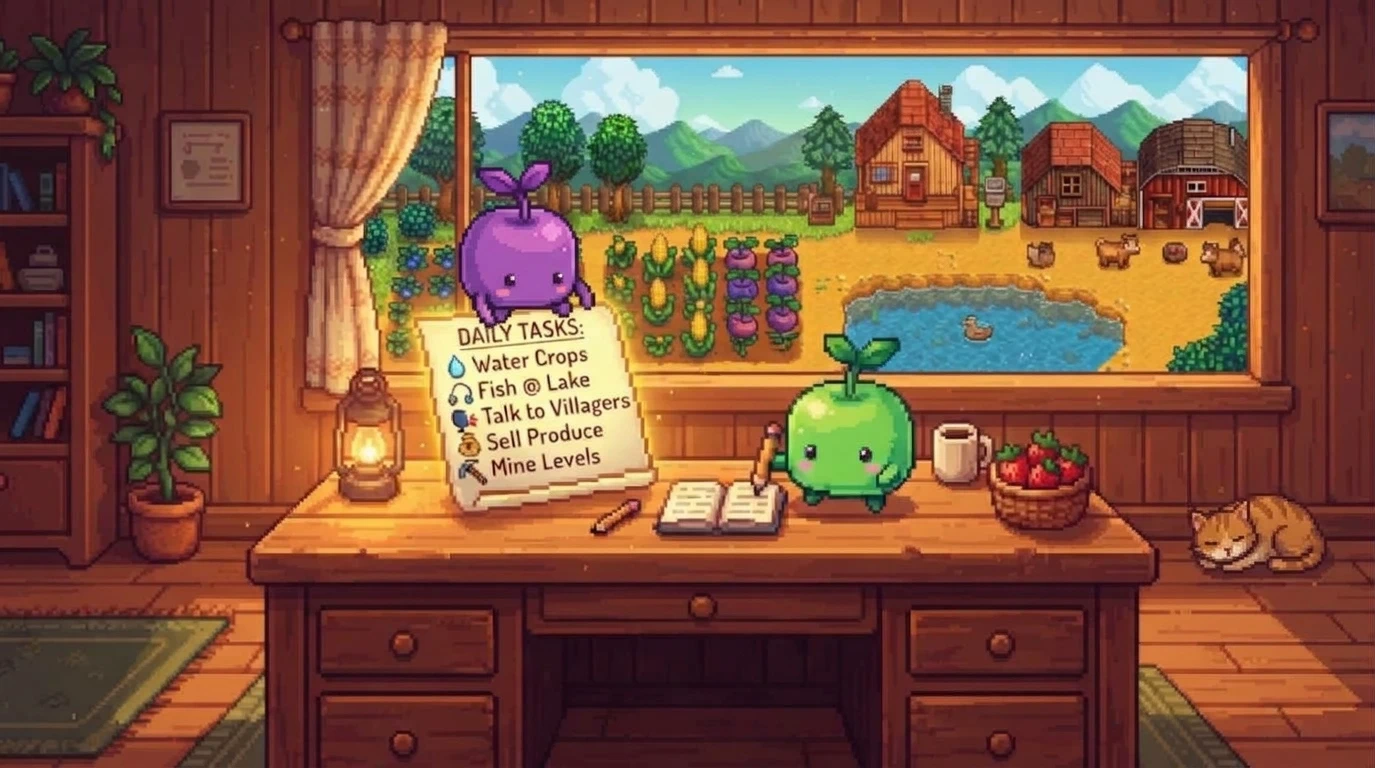
游戏内笔记与任务
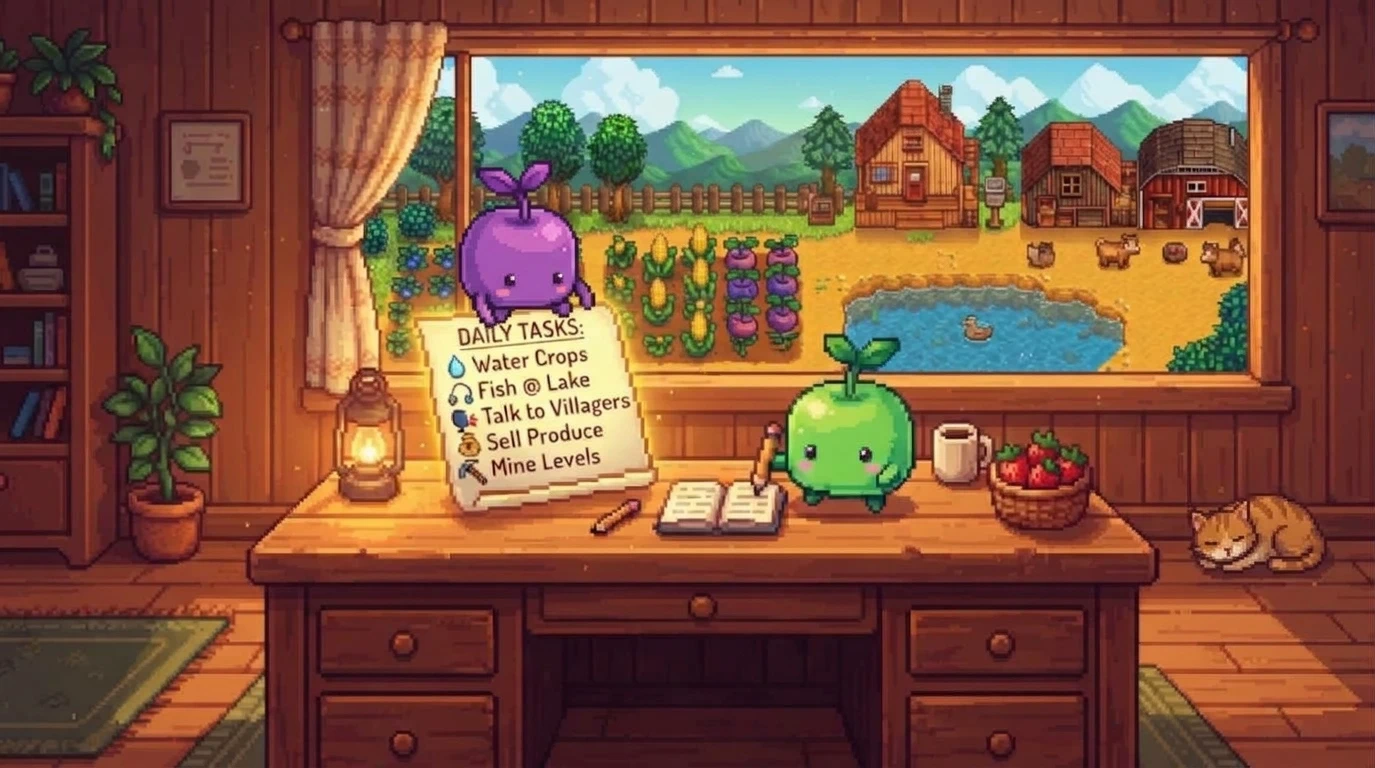
一个无缝、可拖动且可调整大小的界面,用于记录你的日常任务和农场笔记。完全兼容 PC 和 Android!/ 通过这个可拖动、可调整大小且兼容 PC 和 Android 的界面,记录你的日常笔记和任务。
 查看大图
🇺🇸 English version
Title: In-Game Notes and Tasks UI Description: Tired of forgetting what you were doing on your farm after a few days away? This mod adds interactive, draggable Notes and To-Do List windows directly into your game! Plan your day, write down your goals, set time-based alarms, and keep your daily chores in check. Fully compatible with controllers, Steam Deck, and mobile! ✨ KEY FEATURES:
- 📝 In-Game Notes & To-Do Lists: Accessible from your inventory or via a quick hotkey (F2 by default, customizable).
- 📌 Pin to Mini-HUD: Want to track your chores while farming? Click the [HUD] button to pin your pending tasks to the screen while you play.
- 🔄 Daily Tasks: Click the star (★) next to a task. Every morning when you wake up, it will automatically uncheck itself so you can do it again!
- ⏰ Time Reminders & Alarms: Type a time in your task description (e.g., "Buy seeds 10:00" or "13:30 Fishing"). When the in-game clock hits that time, you'll get an on-screen notification and a sound alert!
- 🎨 Color-Coded Priorities: Click the color square next to your task to cycle through priority colors (Grey, Red, Green, Blue).
- 🖱️ Dynamic Windows:
- Drag: Click and hold the header/title bar.
- Resize: Drag from the bottom right corner.
- Minimize: Use the [-] button to tuck them away.
- Scroll: Mouse wheel support for long notes and big lists.
- 🎮 Controller & Mobile Friendly: Designed from the ground up to work flawlessly with virtual keyboards, Steam Deck, and the Better Keyboard (Cinderbox) mod. It intelligently suppresses game shortcuts (like 'E' or 'M') while typing, so you won't accidentally close menus or pull out your sword. ⚙️ HOW TO INSTALL:
- Install the latest version of SMAPI.
- Download this mod and extract it into your Stardew Valley/Mods folder.
- Launch the game and start organizing your farm! 🌐 Supported Languages: English, Spanish.
🇪🇸 VERSIÓN EN ESPAÑOL Título: Notas y Tareas UI Descripción: ¿Cansado de olvidar qué estabas haciendo en tu granja después de unos días sin jugar? ¡Este mod añade ventanas interactivas de Notas y Tareas directamente en tu juego! Organiza tu día, anota tus objetivos, crea recordatorios con alarmas y mantén tus tareas diarias bajo control. ¡Todo 100% compatible con mando, Steam Deck y móviles! ✨ CARACTERÍSTICAS PRINCIPALES:
- 📝 Notas y Tareas en el juego: Accesibles desde tu inventario o pulsando una tecla rápida (F2 por defecto).
- 📌 Mini-HUD Anclable: ¿Quieres ver tus tareas mientras trabajas? Haz clic en el botón [HUD] para ver tus pendientes en la pantalla mientras juegas.
- 🔄 Tareas Diarias: Haz clic en la estrella (★) junto a una tarea. Cada mañana al despertar, ¡se desmarcará automáticamente para que la vuelvas a hacer!
- ⏰ Recordatorios y Alarmas: Escribe una hora en tu tarea (ej. "Comprar semillas 10:00" o "13:30 Pescar"). Cuando el reloj del juego llegue a esa hora, recibirás un aviso en pantalla y un sonido.
- 🎨 Prioridad por Colores: Haz clic en el cuadrito de color junto a tu tarea para cambiar su prioridad (Gris, Rojo, Verde, Azul).
- 🖱️ Ventanas Dinámicas:
- Arrastra: Desde la cabecera (título).
- Redimensiona: Desde la esquina inferior derecha.
- Minimiza: Con el botón [-] para que no estorben.
- Scroll: Usa la rueda del ratón si tienes textos muy largos.
- 🎮 Soporte Total para Mandos y Móviles: Diseñado para funcionar a la perfección con teclados virtuales, Steam Deck y el mod Better Keyboard (Cinderbox). Bloquea de forma inteligente los atajos del teclado (como la 'E' o 'M') mientras escribes para evitar que se cierren los menús por accidente. ⚙️ CÓMO INSTALAR:
- Instala la última versión de SMAPI.
- Descarga este mod y extráelo en tu carpeta Stardew Valley/Mods.
- ¡Abre el juego y comienza a organizarte!
正在加载版本记录…
正在加载评论…
评论在新手盒子客户端中发表,这里同步展示。