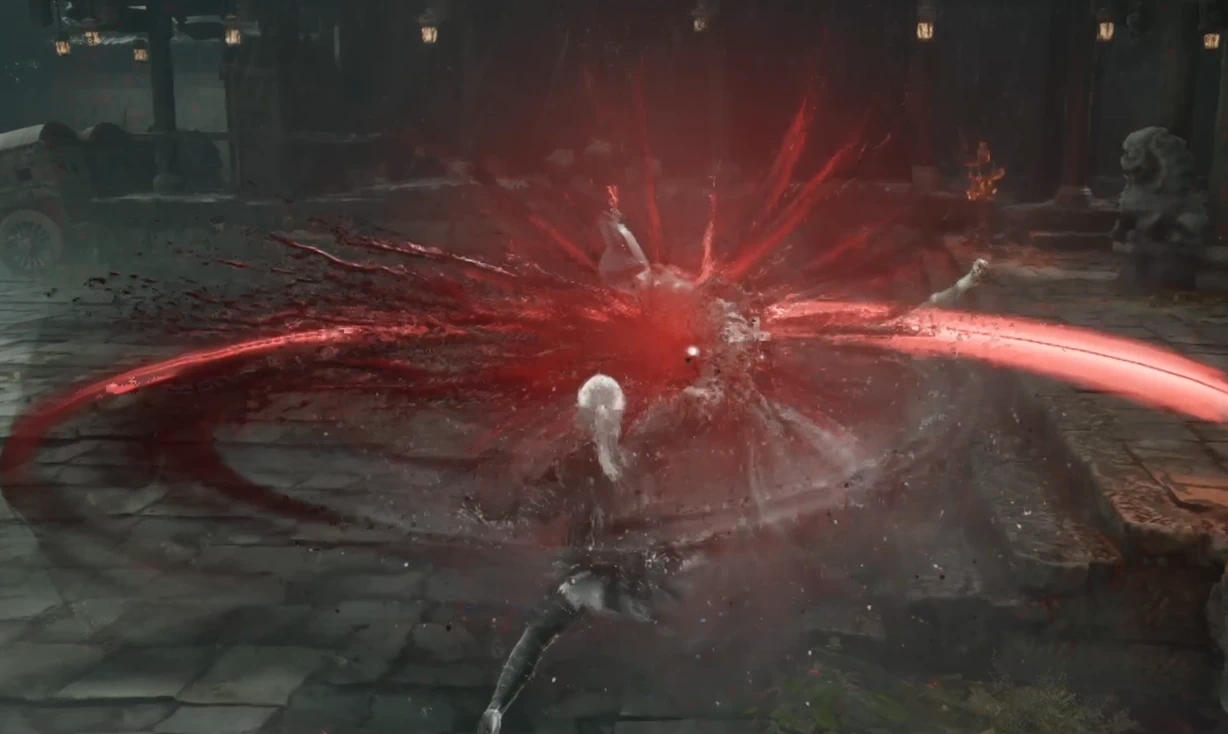
原始主宰强化 v0.39
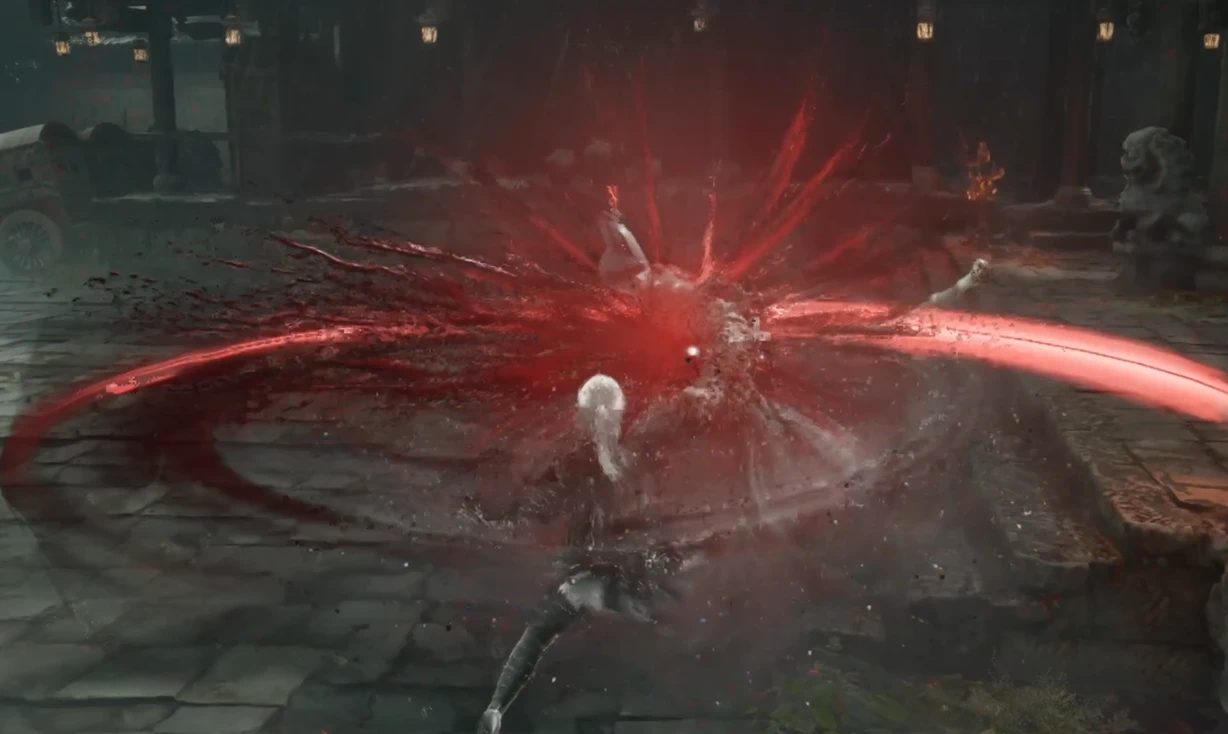
原版荡寇凶刃增强:红刃和凶寇标记的持续时间大幅延长;赤轮斩不会被打断;赤轮斩和25级被动的伤害倍率提升;不添加其它动作,不影响其他武器。 Original Juggernaut Enhancement: Greatly extends the duration of Red Edge and Juggernaut Mark; Crimson Wheel Slash cannot be interrupted; increases t
 查看大图
【具体改动】
对双手武器 荡寇凶刃 的机制和数值进行强化调整。当前版本不涉及任何额外动作修改,适合喜欢武器本身手感与魅力的玩家。
红刃与凶寇标记
- 每层红刃的持续时间延长至 45 秒。
- 红刃叠满后,也可通过 完美格挡 刷新持续时间。
- 凶寇标记的持续时间延长至 15 秒。
赤轮斩与斩尽杀绝
- 赤轮斩伤害提升为原版的约 1.8 倍。
- 25 级被动「斩尽杀绝」发动的追加攻击,伤害提升为原版的约 2.7 倍。
- 伤害倍率为数据层系数,实际伤害仍会受攻击、防御、抗性等局内条件影响。
- 两招释放期间,均不可被 投技以外 的技能打断。
【前置与安装】
- 游戏:Windows Steam 版《Phantom Blade Zero》
- 脚本环境:已安装可用的 UE4SS,并启用 Lua API
- 共享脚本:保留 UE4SS 的
Mods\shared\UEHelpers - 不依赖:Mods Menu、JavaScript 加载器、UE4SS Bridge、独立 PBZModLoader
- 测试环境:Windows Steam 版 + UE4SS 3.0.1
安装步骤
- 完全退出游戏,使用 Uemm / Mod Manager 直接安装压缩包,需要先安装 UE4SS,推荐在模组管理器内部安装
- 启动游戏并进入存档,模组自动生效。本模组仍处于早期测试阶段,为求稳定没有添加游戏内菜单,不需要按 F9。
- 调整数值:退出游戏,编辑
,重启游戏后生效。Scripts\config.lua - 停用或卸载:先完全退出游戏,再替换或删除模组文件夹,或直接通过 Uemm 模组管理器卸载
Specific Changes
Mechanics and stat adjustments for the two-handed weapon Juggernaut. This version does not include any additional move changes and is intended for players who enjoy the weapon’s existing feel and appeal.
Red Edge & Juggernaut Mark
- Each Red Edge stack’s duration is extended to 45 seconds.
- Once Red Edge reaches max stacks, its duration can also be refreshed with a Perfect Block.
- Juggernaut Mark duration is extended to 15 seconds.
Crimson Wheel Slash & Annihilate
- Crimson Wheel Slash damage is increased to approximately 1.8× the original.
- The follow-up attack triggered by the Level 25 passive “Annihilate” deals approximately 2.7× the original damage.
- Damage multipliers are data-layer values; actual damage is still affected by in-game factors such as attack, defense, and resistance.
- While either move is active, it cannot be interrupted by anything other than Red Attacks.
Requirements & Installation
- Game: Windows Steam version of Phantom Blade Zero
- Script environment: A working UE4SS installation with the Lua API enabled
- Shared script: Keep UE4SS’s
Mods\shared\UEHelpers - Not required: Mods Menu, JavaScript loader, UE4SS Bridge, or standalone PBZModLoader
- Tested on: Windows Steam version + UE4SS 3.0.1
Installation Steps
- Completely exit the game, then install the archive directly with Uemm / Mod Manager. UE4SS must be installed first; installing through the mod manager is recommended.
- Launch the game and load a save; the mod takes effect automatically. This mod is still in early testing and has no in-game menu for stability, so F9 is not required.
- To adjust values: exit the game, edit
, then restart the game for the changes to take effect.Scripts\config.lua - To disable or uninstall: fully exit the game first, then replace or delete the mod folder, or uninstall it directly through the Uemm Mod Manager.
正在加载版本记录…
正在加载评论…
评论在新手盒子客户端中发表,这里同步展示。