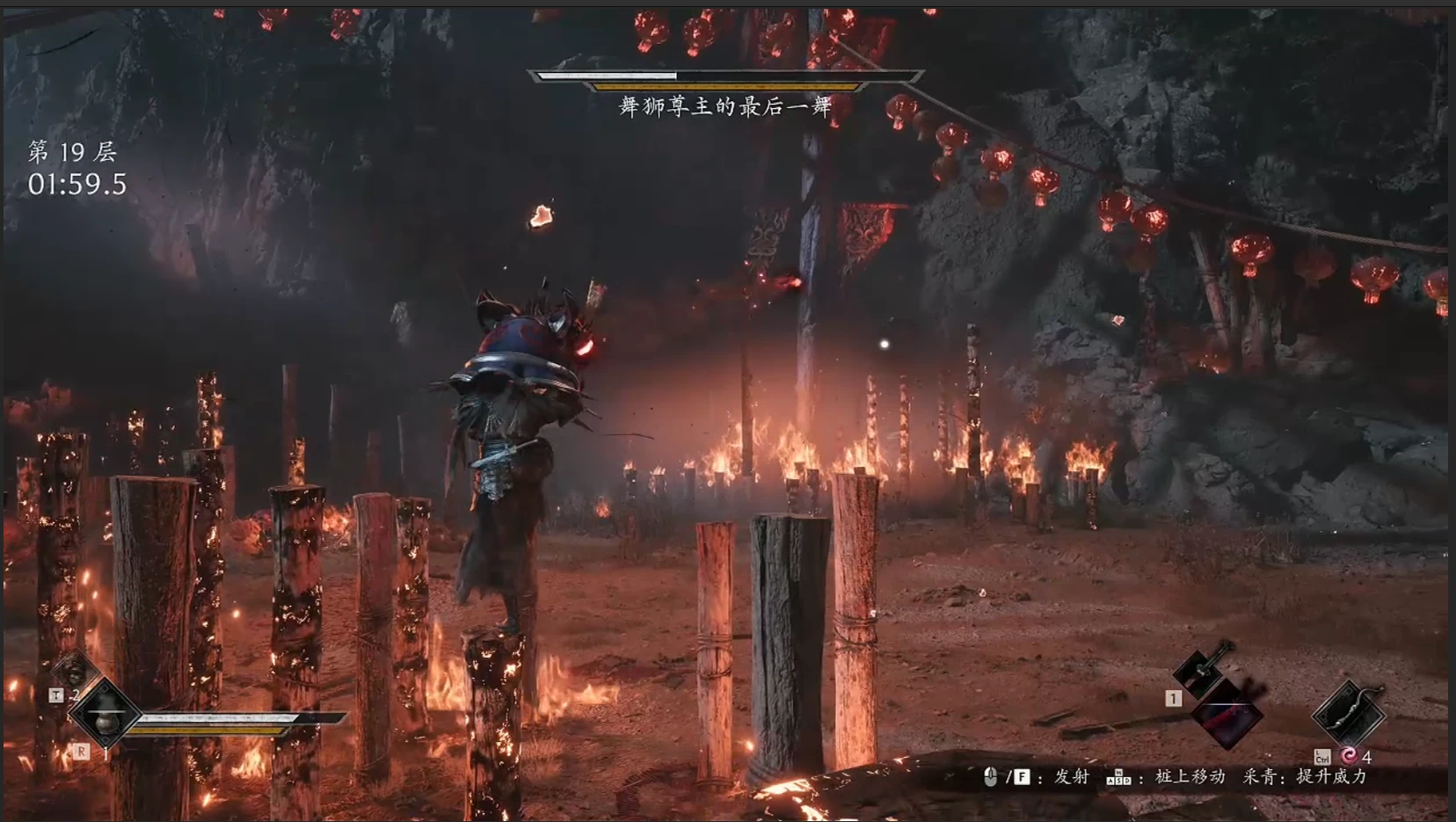
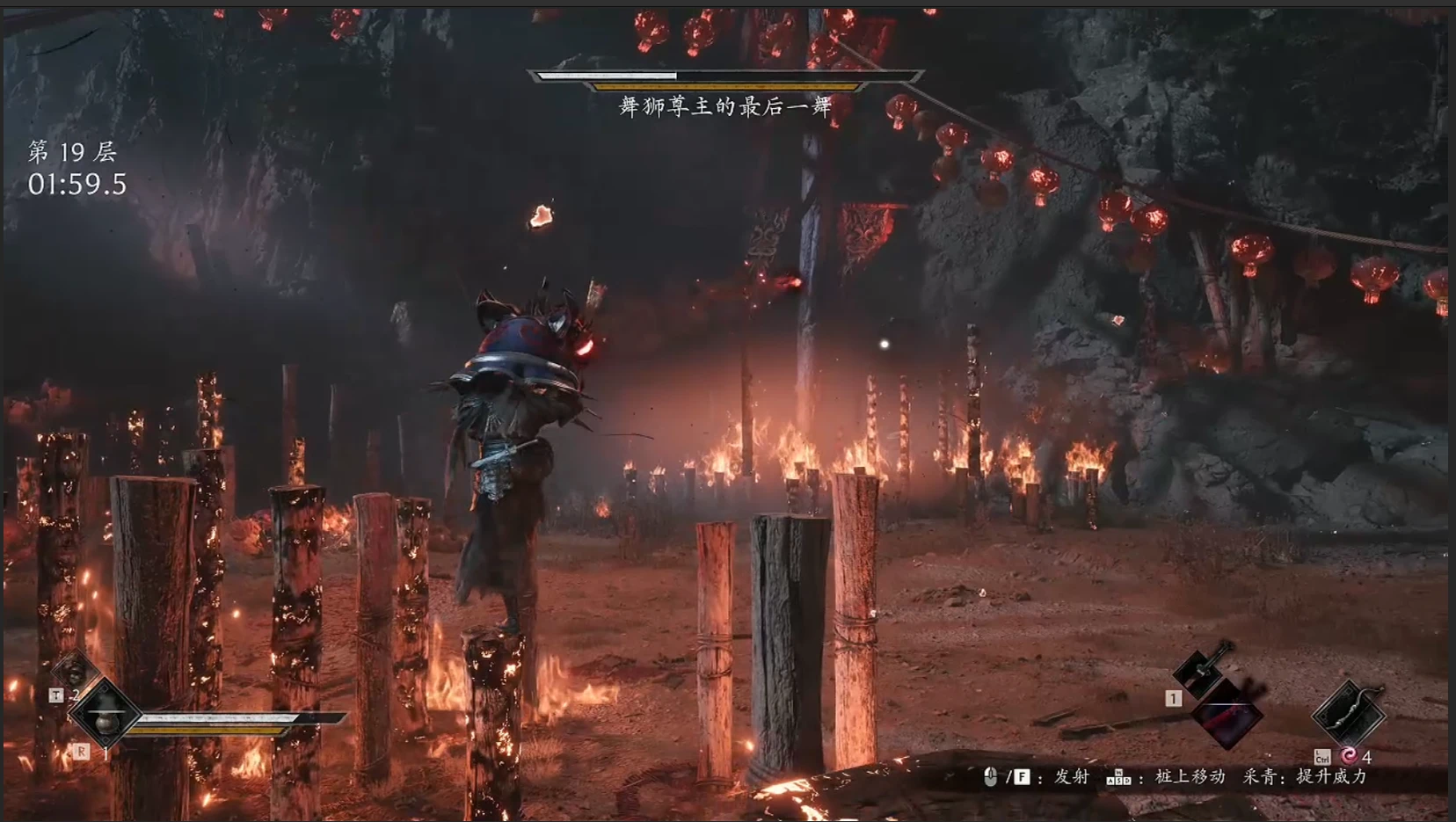
幻影塔 - 50层首领速通
一个包含50层的Boss连战模式,拥有独立的存档、奖励、升级和可中断续玩的流程。模组界面仅支持中文。手柄兼容性尚待测试。
 查看大图
影塔·百战 / Phantom Tower
语言 / Language
Mod 游戏内界面目前只有中文。英文说明用于帮助玩家了解功能和操作,不代表 Mod 已有英文界面。
The in-game mod interface is currently in Chinese only. The English instructions below are provided as a guide; they do not mean the mod has an English interface.
中文说明
影塔·百战是《影之刃零》的 Boss 爬塔 Mod。你将从统一的塔内起点出发,挑战 50 层 Boss,在战斗间选择奖励、强化兵器和能力,逐步构筑自己的打法。满足条件后还有隐藏挑战等你探索。
本 Mod 使用独立塔档:塔内成长、装备与奖励不会带回原存档,退出影塔后回到原来的游戏进度。爬塔进度可以单独保存,下次继续。本 Mod 仅限本地单人,无需安装修改器。
玩法特色
- 50 层 Boss 挑战,另有隐藏挑战。
- 每层通关后三选一:选择属性、成长点数、装备或 Mod 道具等不同奖励。
- 部分层间设有驿站,可以用塔内货币「魂玉」购买物品。
- 每层开战前自动补满生命、药品次数和影之武装弹药。
- 本局倒下通常会结束挑战;持有复活符时可自动复活一次。
如何安装
需要 Windows 10/11 64 位和 Steam 版《影之刃零》。v1.0.0 面向 Steam Build 26367565;其他版本兼容性未确认。
安装器(如果发布页面提供):退出游戏,运行 PBZTowerSetup-v1.0.0.exe,检查或选择游戏位置,按提示安装。安装器需要 .NET Framework 4.x。
手动安装:退出游戏,解压 PBZTower-v1.0.0-mod.zip,把其中的 platform 文件夹复制到游戏根目录(例如 SteamLibrary\steamapps\common\PBZ\)并合并。安装后 avrt.dll 应与 PBZ\platform\steam\PBZ.exe 位于同一文件夹,PBZTower 文件夹中应包含 PBZCore.dll、PBZTower.dll 和 world-template.json。
如果目标位置已有其他 Mod 的 avrt.dll,请勿覆盖;使用相同代理文件名的 Mod 可能冲突。安装器和手动包二选一即可。
如何进入
- 从 Steam 启动游戏,进入自己的存档。
- 按键盘 Insert(Ins)打开影塔;也可以在钟(休息点)菜单选择「影塔·百战」。
- 选择「开始新局」,等待塔档和场地加载完成。
- 在层间选择「整备」,准备完毕后选择「下一层」。
成长点数与铸魂
- 淬炼点:在通关后的三选一中选择淬炼奖励;当前版本可出现「淬炼点 +5」。在「整备 → 武器升级」中为塔内拥有的兵器升级,每点升 1 级,受等级上限限制。武器回退会返还相应点数。
- 修为点:每通过一层固定获得 1 点,也可从三选一奖励获得。在「整备 → 能力修行」中选择能力,按界面提示长按升级;每级消耗 1 点,仍需满足前置和等级上限。
- 铸魂令:在三选一出现时主动选择获得。在「整备 → 铸魂」中选择塔内已拥有且支持铸魂的兵器,每次消耗 1 枚;已经铸魂的兵器不能重复铸魂。
- 魂玉:在塔内获得,用于驿站购物。
Mod 道具
开下一层前,在「整备 → MOD背包」选择一件普通道具进行准备,看到「待生效」后返回并开战。再次点击可撤销,选择其他道具会替换当前准备项。
定身符:开战后定住 Boss 4 秒;有入场过场时从过场结束后计时。 缓时符:开战后 10 秒内 Boss 动作放慢 40%。 破甲符:本层 Boss 受到的伤害 +30%。 铁甲符:本层玩家受到的伤害 -20%。 锐锋符:本层攻击力、破防能力 +15%。 破势符:本层削减 Boss 杀气 +30%。 聚煞丹:本层杀气恢复 +40%。 复活符:倒下时自动消耗并以 50% 生命复活一次,无需预装。 刷新令:在三选一奖励界面重抽一次,无需预装。
保存与退出
在影塔菜单选择「保存并退出」,等待回到原游戏进度;下次通过 Insert 或钟菜单选择「继续上一局」。战斗中保存退出后,本层需要重打。塔内数据保存在 %LOCALAPPDATA%\PBZTower,请保留此文件夹以保留进度。如果异常关闭后出现「恢复原进度」,请先按提示恢复。
手柄
已加入基础 XInput 手柄操作,但手柄实机兼容性仍待测试:同时按下左右摇杆 L3 + R3 打开或关闭菜单,方向键或左摇杆选择,A 确认,B 返回。如遇问题,请先使用键盘和鼠标。
卸载与反馈
退出游戏后,安装器用户可重新运行安装器并选择卸载;手动安装用户删除本 Mod 的 PBZ\platform\steam\avrt.dll 和 PBZ\platform\steam\PBZTower 文件夹。需要保留塔进度时,请保留 %LOCALAPPDATA%\PBZTower。
反馈问题时请提供游戏 Build、Mod 版本、层数和截图或录像,并在反复重启前保留 %LOCALAPPDATA%\PBZLab\core.log、core.prev.log;如存在,也请提供 %LOCALAPPDATA%\PBZTower\spawn-failures.txt。
AI 使用说明:本 Mod 的代码由AI 参与生成与开发。
English Guide
Phantom Tower is a standalone boss-rush mod for Phantom Blade Zero. Start from a common tower baseline, face 50 floors of bosses, choose rewards, and build your weapons and abilities as you climb. A hidden challenge can be unlocked by meeting its conditions.
The tower uses a separate save. Tower progression, equipment, and rewards do not transfer to your campaign save. Exiting the tower returns you to your original game progress. You can save a run and resume it later. Local single-player only; the PBZv3 trainer is not required.
Requirements and installation
Windows 10/11 64-bit and the Steam version of Phantom Blade Zero. Version 1.0.0 targets Steam Build 26367565; compatibility with other builds is unconfirmed.
Installer, if offered: close the game, run PBZTowerSetup-v1.0.0.exe, check or select your game location, and follow the prompts. The installer requires .NET Framework 4.x and has a Chinese interface.
Manual install: close the game, extract PBZTower-v1.0.0-mod.zip, and merge its platform folder into the game root, e.g. SteamLibrary\steamapps\common\PBZ. After installation, avrt.dll should be next to PBZ\platform\steam\PBZ.exe. The PBZTower folder should contain PBZCore.dll, PBZTower.dll, and world-template.json.
Do not overwrite another mod's avrt.dll; mods using the same proxy name may conflict. Choose either the installer or the manual package.
Getting started
- Launch through Steam and load your game save.
- Press Insert (Ins), or select 影塔·百战 at a bell/rest point.
- Select 开始新局 (Start New Run), and wait for the tower save and arena to load.
- Between floors, select 整备 (Preparation); when ready, choose 下一层 (Next Floor).
Progression
- Tempering Points (淬炼点): choose a reward after clearing a floor. A +5 Tempering Point reward can appear in this version. Spend points at 整备 → 武器升级 (Preparation → Weapon Upgrade): one point per weapon level, subject to the tower's cap. Rolling back weapon levels refunds the corresponding points.
- Cultivation Points (修为点): earn one per cleared floor, with more available as selectable rewards. Spend them at 整备 → 能力修行 (Preparation → Ability Training), holding the upgrade input as prompted. One point per level; prerequisites and caps apply.
- Soul-Forging Tokens (铸魂令): choose one when offered as a floor reward. Spend one at 整备 → 铸魂 (Preparation → Soul Forging) on an owned, eligible tower weapon. A weapon cannot be soul-forged twice.
- Soul Jade (魂玉): tower currency used at shops between selected floors.
Mod items
Before starting a floor, open 整备 → MOD背包 (Preparation → Mod Bag) and select one regular item. Check 待生效 (pending effect), return, and start the next floor. Selecting the prepared item again cancels it; choosing another replaces it.
Immobilization Talisman 定身符: immobilizes the boss for 4 seconds; the timer starts after any entrance cinematic. Slow Talisman 缓时符: slows boss actions by 40% for the first 10 seconds. Armor-Breaking Talisman 破甲符: boss takes 30% more damage for the floor. Iron Armor Talisman 铁甲符: player takes 20% less damage for the floor. Keen Edge Talisman 锐锋符: attack and guard-breaking capability +15% for the floor. Disruption Talisman 破势符: ability to deplete the boss's Sha-Chi +30% for the floor. Sha-Chi Pill 聚煞丹: Sha-Chi recovery +40% for the floor. Revival Talisman 复活符: automatically consumes one when you fall and revives you once at 50% health; no preparation required. Reroll Token 刷新令: rerolls the three choices on the reward screen; no preparation required.
Saving and leaving
Choose 保存并退出 (Save and Exit) and wait for the game to return to your original progress. Next time choose 继续上一局 (Continue Previous Run) from the Insert or bell menu. If you leave during combat, the current floor restarts when you resume. Tower data is stored in %LOCALAPPDATA%\PBZTower; keep this folder to retain your progress. If an interrupted session offers 恢复原进度 (Restore Original Progress), follow that prompt first.
Controller
Basic XInput controls have been added, but in-game controller compatibility has not yet been tested. Click both sticks together (L3 + R3) to open or close the tower menu; use the D-pad or left stick to navigate, A to confirm, and B to go back. Use keyboard and mouse if you encounter problems.
Uninstall and bug reports
Close the game first. If installed with the installer, run it again and select uninstall. For a manual installation, remove this mod's PBZ\platform\steam\avrt.dll and PBZ\platform\steam\PBZTower folder. Keep %LOCALAPPDATA%\PBZTower if you want to retain your tower progress.
For reports, include the game build, mod version, floor number, and screenshots or video. Before repeatedly restarting, preserve %LOCALAPPDATA%\PBZLab\core.log and core.prev.log, plus %LOCALAPPDATA%\PBZTower\spawn-failures.txt if present.
AI disclosure: AI were used to generate and develop the mod's code. Codex was used to help generate and prepare this page description.
正在加载版本记录…
正在加载评论…
评论在新手盒子客户端中发表,这里同步展示。