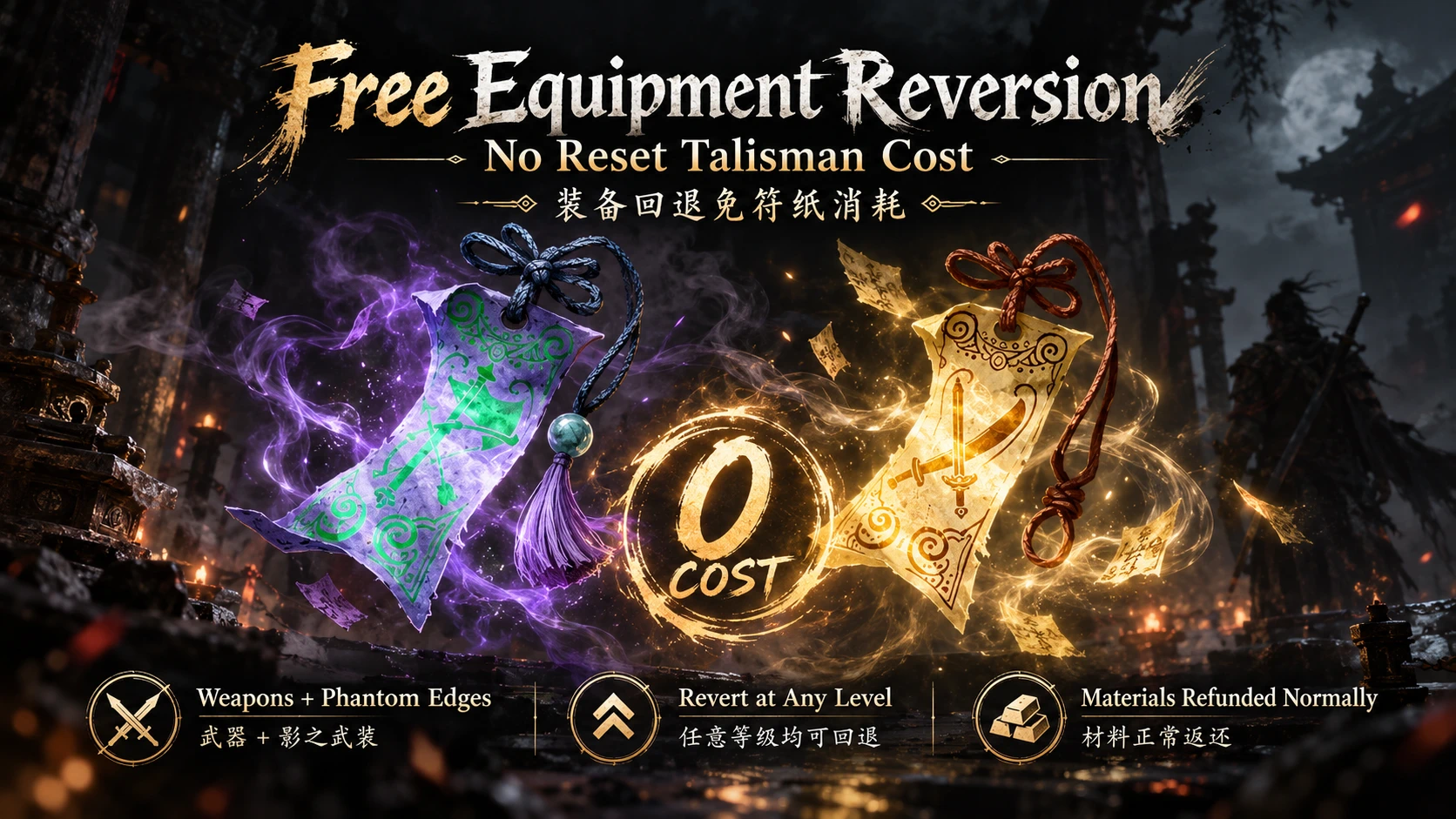
PBZ免费重铸
让装备回退更自由!本 Mod 将武器与影之武装的回退符纸消耗设为 0。即使装备超过 10 级,也无需消耗「兵刃逆炼符」或「影之消退符」,背包中没有符纸也能进行回退。 Experiment with your equipment more freely! This mod removes the talisman cost for reverting weapons and Phantom Edges.
 查看大图
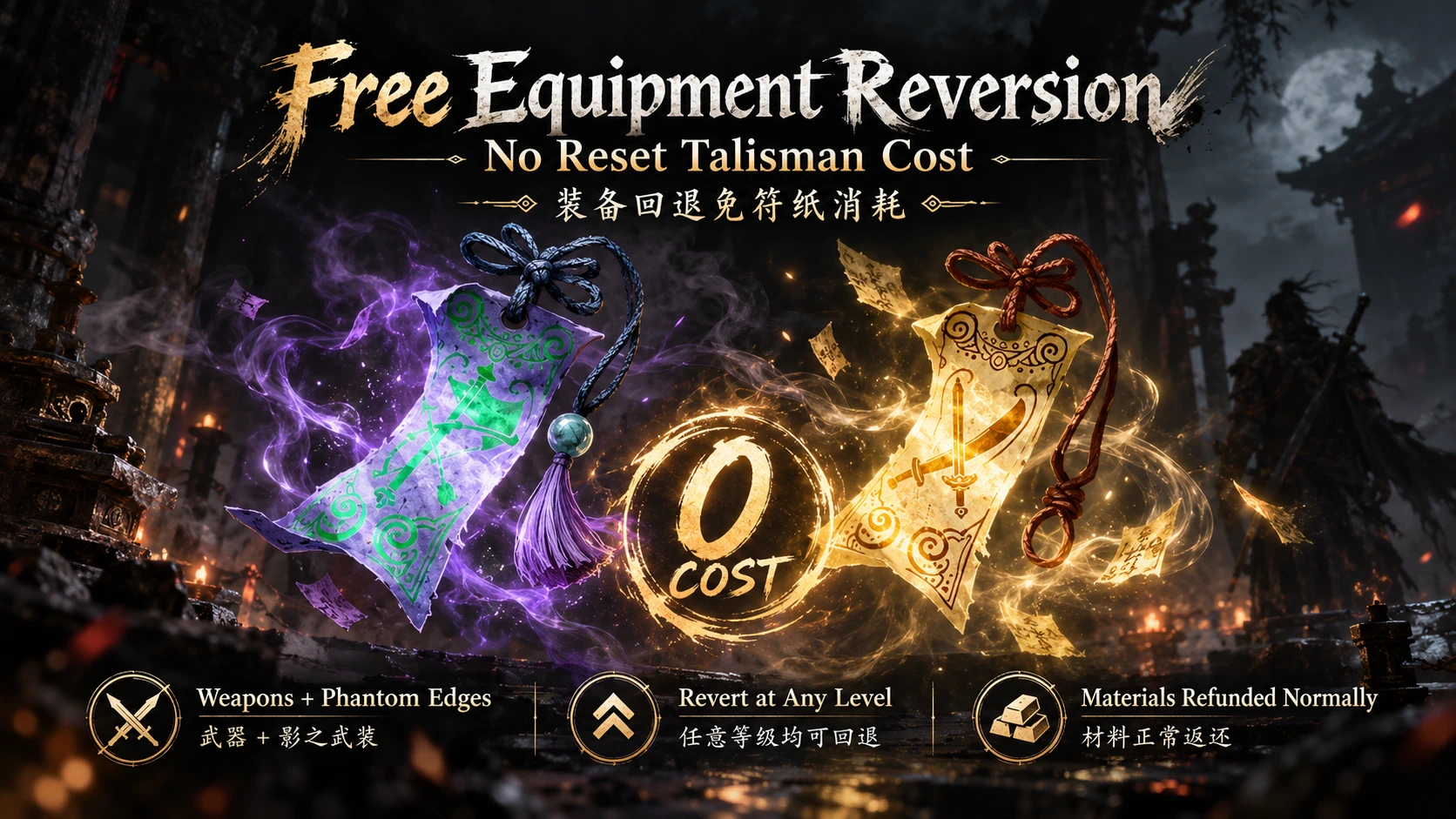
装备回退免符纸消耗 | Free Equipment Reversion
简介
想尝试其他装备搭配,却舍不得消耗回退符纸?本 Mod 将武器与影之武装的回退符纸费用设为 0,让你更自由地重新分配升级材料。
即使装备超过 10 级,回退也不再消耗「兵刃逆炼符」或「影之消退符」。背包中没有这两种符纸,也可以进行回退。
主要功能
- 同时支持武器与影之武装。
- 所有等级的回退符纸费用均为 0。
- 普通回退仍将装备降至 1 级,并按游戏原有逻辑返还升级材料与灵尘。
- 不修改正常升级所需的材料与铸魂逻辑。
- 保留原版教学回退规则。
- 不再弹出升级跨越等级分档时的“回退符费用上涨”提示。
安装方法
保存进度并完全退出游戏。
解压下载的压缩包。
将以下三个文件放置到
steamapps\common\PBZ\ProjectPBZ\Content\Paks\~mods:PBZFreeReforge_P.pakPBZFreeReforge_P.utocPBZFreeReforge_P.ucas如果
~mods文件夹不存在,请手动创建。三个文件都需要安装,请勿改名。重新启动游戏,进入装备升级界面查看回退费用。
Steam 用户可通过“游戏库 → 右键游戏 → 管理 → 浏览本地文件”打开游戏根目录。
使用方法
按原版方式选择要回退的装备,进入回退页面并完成长按操作。 安装生效后,超过 10 级的装备也应显示免费回退。
如果界面仍提示需要消耗符纸,请先不要执行回退。检查安装路径、是否完全重启游戏,以及是否存在其他 Mod 覆盖。
前置要求与兼容性
- 基于 PC Steam Build 26266538 制作。
- 无需 UE4SS 或其他额外 Mod 加载器。
- 其他游戏版本尚未验证。
- 与修改同一个
UpgradeSystemWidget_V1.js脚本的 Mod 存在覆盖冲突。 - 游戏更新后建议先移除此 Mod,确认兼容后再安装。
卸载方法
完全退出游戏,删除 ~mods 文件夹内上述三个 PBZFreeReforge_P 文件,然后重新启动游戏。
请勿删除整个 ~mods 文件夹或其他 Mod 文件。
卸载后恢复原版符纸消耗规则,但不会撤销已经完成的装备回退。如需恢复测试前的进度,请使用自己的存档备份。
当前状态
本版本为实验版,已通过脚本模拟测试与资源包检查,尚未完成游戏内验证。 首次使用前请备份存档,并确认装备等级、材料返还及符纸数量符合预期。
致谢
感谢以下开源工具的作者与贡献者: repak:https://github.com/trumank/repak retoc:https://github.com/trumank/retoc
────────────────────────────
Free Equipment Reversion — No Reset Talisman Cost
Description
Want to try a different equipment setup without spending your reset talismans? This mod sets the talisman cost of reverting weapons and Phantom Edges to zero, letting you redistribute your upgrade materials more freely.
Equipment above level 10 no longer consumes either type of reset talisman when reverted. You can also revert equipment with no reset talismans in your inventory.
Main Features
- Supports both weapons and Phantom Edges.
- Sets reset talisman costs to zero at every equipment level.
- Normal reversion still returns equipment to level 1 and refunds upgrade materials and Spirit Dust through the game’s original system.
- Leaves normal upgrade material costs and soul-forging mechanics unchanged.
- Preserves the original tutorial reversion behavior.
- Removes upgrade milestone warnings about increased reset talisman costs, since those costs no longer increase.
Installation
Save your progress and fully close the game.
Extract the downloaded archive.
Place the following three files in the following location:
PBZFreeReforge_P.pakPBZFreeReforge_P.utocPBZFreeReforge_P.ucasCreate the
~modsfolder if it does not exist. All three files are required. Do not rename them.Restart the game and check the reversion cost in the equipment upgrade menu.
Steam users can find the game directory through Library → Right-click the game → Manage → Browse local files.
How to Use
Select your equipment and use the original reversion menu and hold-to-confirm action. With the mod active, equipment above level 10 should also show free reversion.
If the menu still requires talismans, do not confirm the reversion yet. Check the installation path, fully restart the game, and check for conflicting mods.
Requirements and Compatibility
- Built for the PC Steam version, Build 26266538.
- No UE4SS or additional mod loader required.
- Other game versions have not been verified.
- Conflicts with mods that replace the same
UpgradeSystemWidget_V1.jsscript. - After a game update, remove this mod until compatibility has been confirmed.
Uninstallation
Fully close the game, delete the three PBZFreeReforge_P files listed above from ~mods, then restart the game.
Do not delete the entire ~mods folder or files belonging to other mods.
Uninstalling restores the original talisman costs. It does not undo equipment reversions already performed. Use your own save backup if you want to restore your previous progress.
Current Status
This is an experimental release. Script simulations and package checks have passed, but in-game validation is still pending. Back up your saves before use, and verify the resulting equipment level, material refunds, and talisman counts during your first test.
Credits
Thanks to the authors and contributors of these open-source tools: repak: https://github.com/trumank/repak retoc: https://github.com/trumank/retoc
正在加载版本记录…
正在加载评论…
评论在新手盒子客户端中发表,这里同步展示。