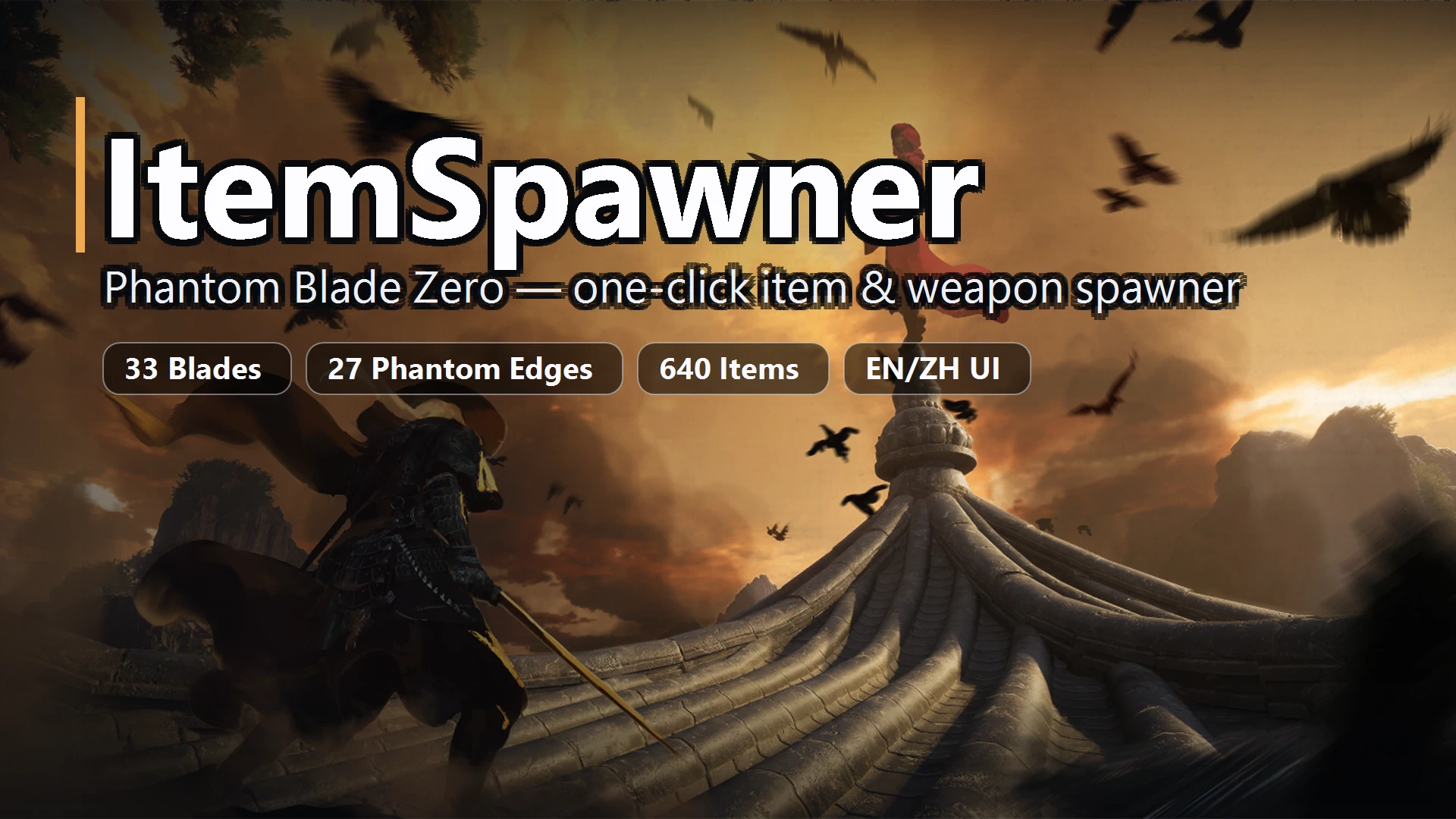
ItemSpawner
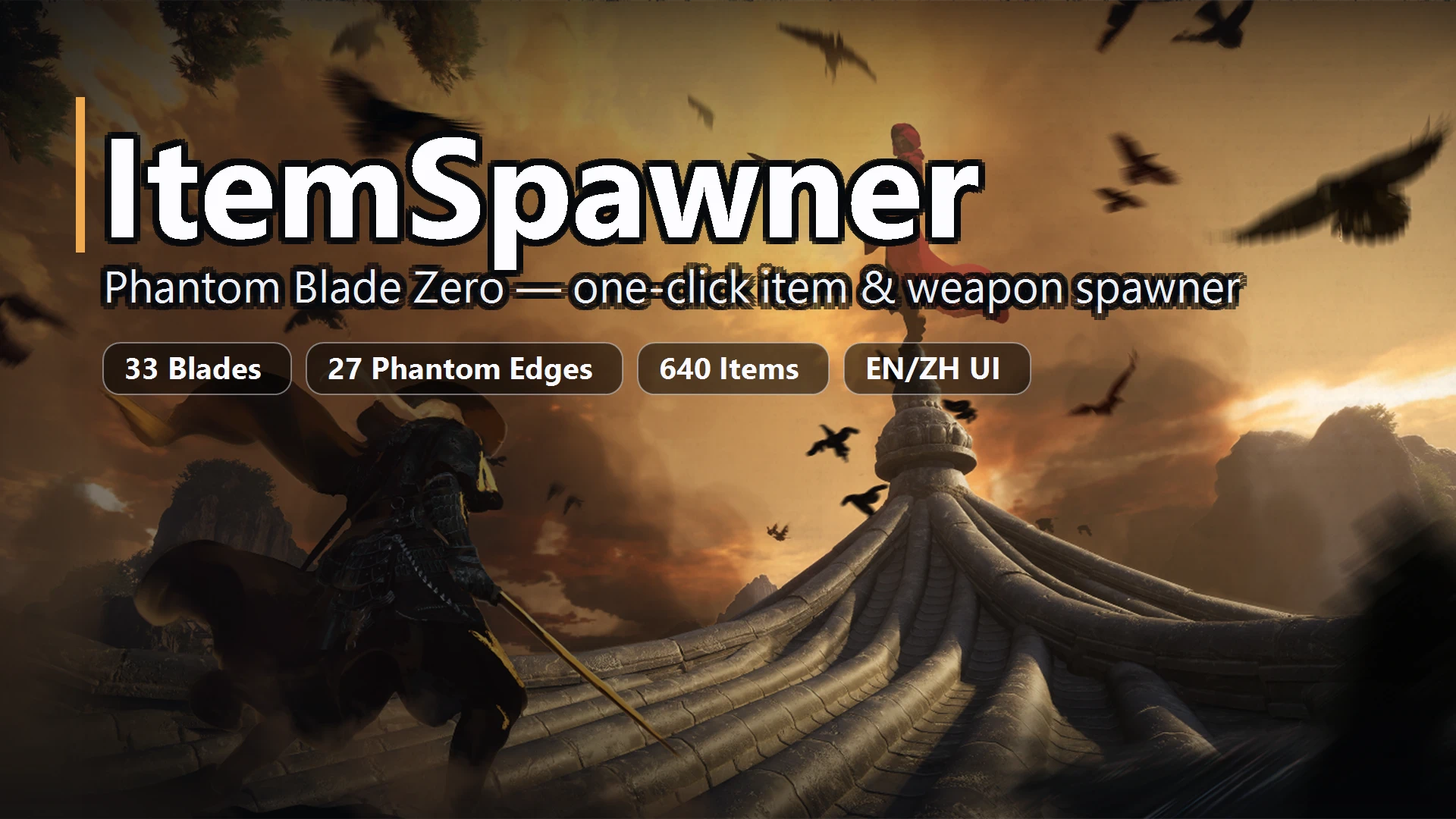
one-click grant of all 33 blades, 27 Phantom Edges, medicines, 73 accessories, or all 640 items - silent, no popups. Or grant any single weapon/edge/medicine/item/accessory, search by pinyin/ID. EN/ZH UI
 查看大图
[size=4][b]Description[/b][/size]
[color=#D4D4D8]Item Spawner[/color]
[size=4][b]Installation instructions[/b][/size]
1.Download [url=https://www.nexusmods.com/phantombladezero/mods/5?tab=files][/url][url=https://www.nexusmods.com/phantombladezero/mods/5?tab=files][b]UE4SS[/b][/url] and install it. See [url=https://www.nexusmods.com/phantombladezero/mods/5?tab=description][/url][url=https://www.nexusmods.com/phantombladezero/mods/5?tab=description][/url][b][url=https://www.nexusmods.com/phantombladezero/mods/5?tab=description]UE4SS Installation[/url][/b] for the UE4SS installation steps.
2.Extract the downloaded file to D:\Program Files (x86)\Steam\steamapps\common\PBZ\platform\steam\ue4ss
If the installation is correct, the structure should look like this:
[code]
D:\Program Files (x86)\Steam\steamapps\common\PBZ\platform\steam\
└── ue4ss
└── Mods
├── ItemSpawner
│ ├── enabled.txt
│ └── Scripts
│ ├── item_names_en.lua
│ ├── item_names_zh.lua
│ ├── item_resolved_en.lua
│ ├── item_resolved_zh.lua
│ └── main.lua
└── shared
└── ModMenu
└── ModMenu.lua[/code]
[size=4][b]Main features[/b][/size]
[color=#D4D4D8]one-click grant of all 33 blades, 27 Phantom Edges, medicines, 73 accessories, or all 640 items - silent, no popups. Or grant any single weapon/edge/medicine/item/accessory, search by pinyin/ID. EN/ZH UI[/color]
[b][size=4]Instructions [/size][/b]
Move the mouse inside the game window and press F9 to open the menu. Make sure to press it while inside the game window!
[b][size=4]FAQ[/size][/b]
It's normal for the game to stutter the first time you press F9 after launching it, because it needs to load the configuration file
[size=4][b]Shout outs[/b][/size]
[color=#D4D4D8]UE4SS project (github.com/UE4SS/UE4SS)
UE4SS-ModMenu (github.com/jleedev/UE4SS-ModMenu) [/color]
正在加载版本记录…
正在加载评论…
评论在新手盒子客户端中发表,这里同步展示。