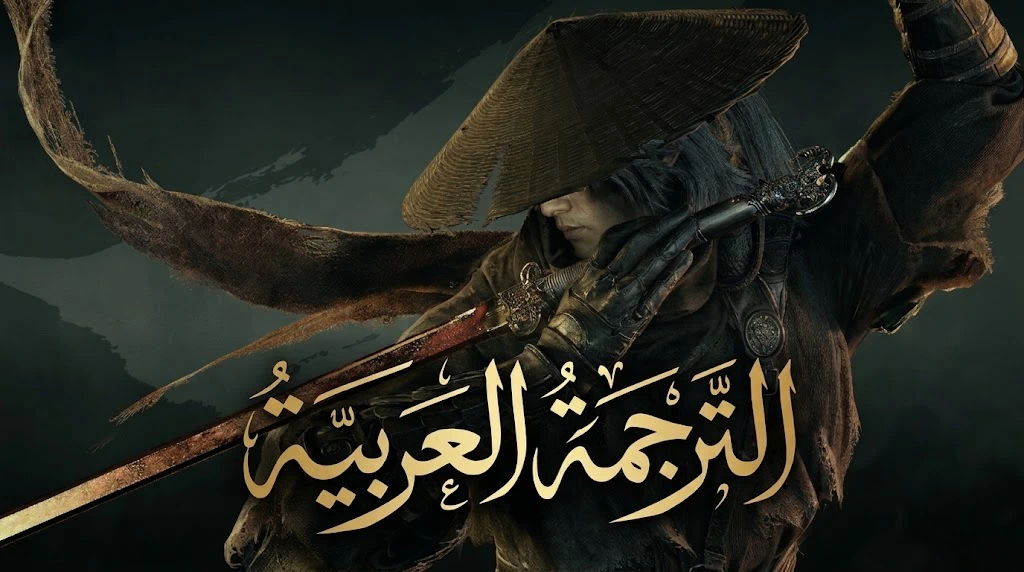
Phantom Blade Zero 阿拉伯语本地化(字体选择器)
Phantom Blade Zero 游戏本地化及字体选择
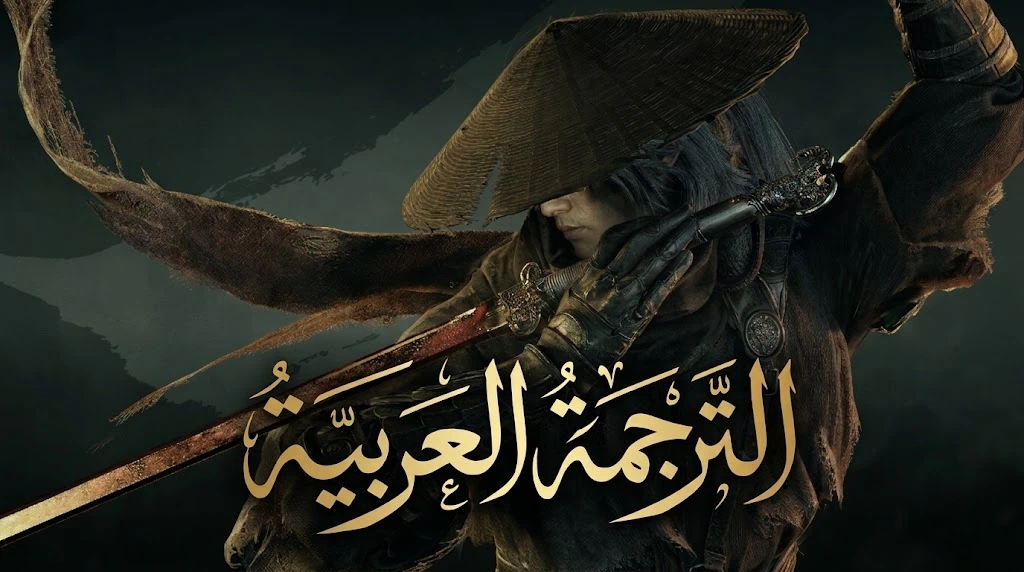 查看大图
[size=6][b]Phantom Blade Zero – 阿拉伯语本地化(字体选择器)[/b][/size]
[size=5][b]《Phantom Blade Zero》阿拉伯语翻译 – 附带字体选择[/b][/size]
[size=5][b]阿拉伯语[/b][/size]
[b]这是什么模组?[/b] 几乎完整的游戏文本现代标准阿拉伯语翻译:菜单和设置、所有对话字幕、任务、物品、武器和技能、敌人、背景故事和信件,以及教程。语音保持不变。
[b]功能特性[/b] [list] []5 种阿拉伯语字体可选:Noto Naskh Arabic、Amiri、Cairo、Tajawal、Noto Kufi Arabic[/] []随时通过替换一个文件来更换字体[/] []不修改游戏任何原始文件,删除 3 个文件即可卸载[/] []仅包含数据文件,无程序、无脚本[/] [/list] [b]安装方法(约一分钟)[/b] [list=1] []关闭游戏,然后打开游戏文件夹:Steam > 右键点击游戏 > Manage > Browse local files,然后进入 [b]ProjectPBZ\Content\Paks[/b][/] []从下载的 [b]packs[/b] 文件夹中,将所需字体文件复制到 Paks 文件夹:[b]notonaskharabic.pak[/b] 或 amiri、cairo、tajawal、notokufiarabic[/] []将复制的文件重命名为完全一致的名称:[b]PBZ_ArabicMenus_P.pak[/b][/] []在同一 Paks 文件夹中,复制 [b]global.utoc[/b] 文件并将副本命名为 [b]PBZ_ArabicMenus_P.utoc[/b][/] []复制 [b]global.ucas[/b] 文件并将副本命名为 [b]PBZ_ArabicMenus_P.ucas[/b][/] [](不要删除或更改原始的 global.utoc 和 global.ucas 文件)[/] []进入游戏:[b]Settings > Game > Text Language[/b],选择 [b]Deutsch[/b] 并点击 Apply[/] [/list][i]注意:阿拉伯语使用德语语言槽位,因此选择器中仍显示 "Deutsch"。选择 English 则恢复原始英文文本。[/i]
[b]更换字体[/b] 删除 PBZ_ArabicMenus_P.pak,然后复制另一个字体文件并按第 3 步重命名。
[b]卸载[/b] 从 Paks 文件夹中删除三个文件:PBZ_ArabicMenus_P.pak、.utoc 和 .ucas。
[b]重要说明[/b] [list] []这是首个完整版本:文本已经过审校,但并非全部在游戏内实际测试过。某些界面可能会遇到长文本被截断或溢出的情况,请在评论中反馈。[/] []基于 Steam 版本号 26266538 构建。游戏更新后,在模组更新之前可能会有部分文本缺失。[/] []安装或卸载前请关闭游戏。[/] [/list] [b]版权[/b] 字体采用 SIL Open Font License 授权。本模组不包含任何游戏文件,需要您拥有游戏正版副本,且与开发商或发行商无关。
[size=5][b]English[/b][/size]
[b]What is this?[/b] An unofficial Modern Standard Arabic translation of almost all the game's text: menus and settings, all dialogue subtitles, quests, items, weapons and skills, enemies, lore and letters, and tutorials. Voices are unchanged.
[b]Features[/b] [list] []About 11,090 of 11,095 text entries translated (the copyright line and a few symbols are left as is)[/] []5 Arabic fonts to choose from: Noto Naskh Arabic, Amiri, Cairo, Tajawal, Noto Kufi Arabic[/] []Change the font any time by swapping one file[/] []Never modifies the original game files; uninstall by deleting 3 files[/] []Data files only: no programs, no scripts[/] [/list] [b]How to install (about a minute)[/b] [list=1] []Close the game, then open its folder: Steam > right-click the game > Manage > Browse local files, then go into [b]ProjectPBZ\Content\Paks[/b][/] []From the [b]packs[/b] folder in the download, copy the font you want into the Paks folder: [b]notonaskharabic.pak[/b] (recommended), amiri, cairo, tajawal or notokufiarabic[/] []Rename the copied file to exactly: [b]PBZ_ArabicMenus_P.pak[/b][/] []In the same Paks folder, copy [b]global.utoc[/b] and name the copy [b]PBZ_ArabicMenus_P.utoc[/b][/] []Copy [b]global.ucas[/b] and name the copy [b]PBZ_ArabicMenus_P.ucas[/b][/] [](Do not delete or rename the original global.utoc and global.ucas)[/] []In the game: [b]Settings > Game > Text Language[/b], choose [b]Deutsch[/b] and press Apply[/] [/list][i]Note: Arabic uses the German language slot, so the selector still says "Deutsch". Choosing English gives the original English text.[/i]
[b]Change font[/b] Delete PBZ_ArabicMenus_P.pak, then copy another font's pak and rename it as in step 3.
[b]Uninstall[/b] Delete the three files PBZ_ArabicMenus_P.pak, .utoc and .ucas from the Paks folder.
[b]Good to know[/b] [list] []This is a first full release: the text was reviewed, but not all of it has been played through in the game. Some long text may be cut off or overflow on certain screens, so please report it in the comments.[/] []Built for Steam build 26266538. After a game update, some text may be missing until the mod is updated.[/] []Close the game before installing or uninstalling.[/] [/list] [b]Credits and legal[/b] Fonts are under the SIL Open Font License. This mod contains no game files, requires your own copy of the game, and is not affiliated with the developer or publisher.
正在加载版本记录…
正在加载评论…
评论在新手盒子客户端中发表,这里同步展示。