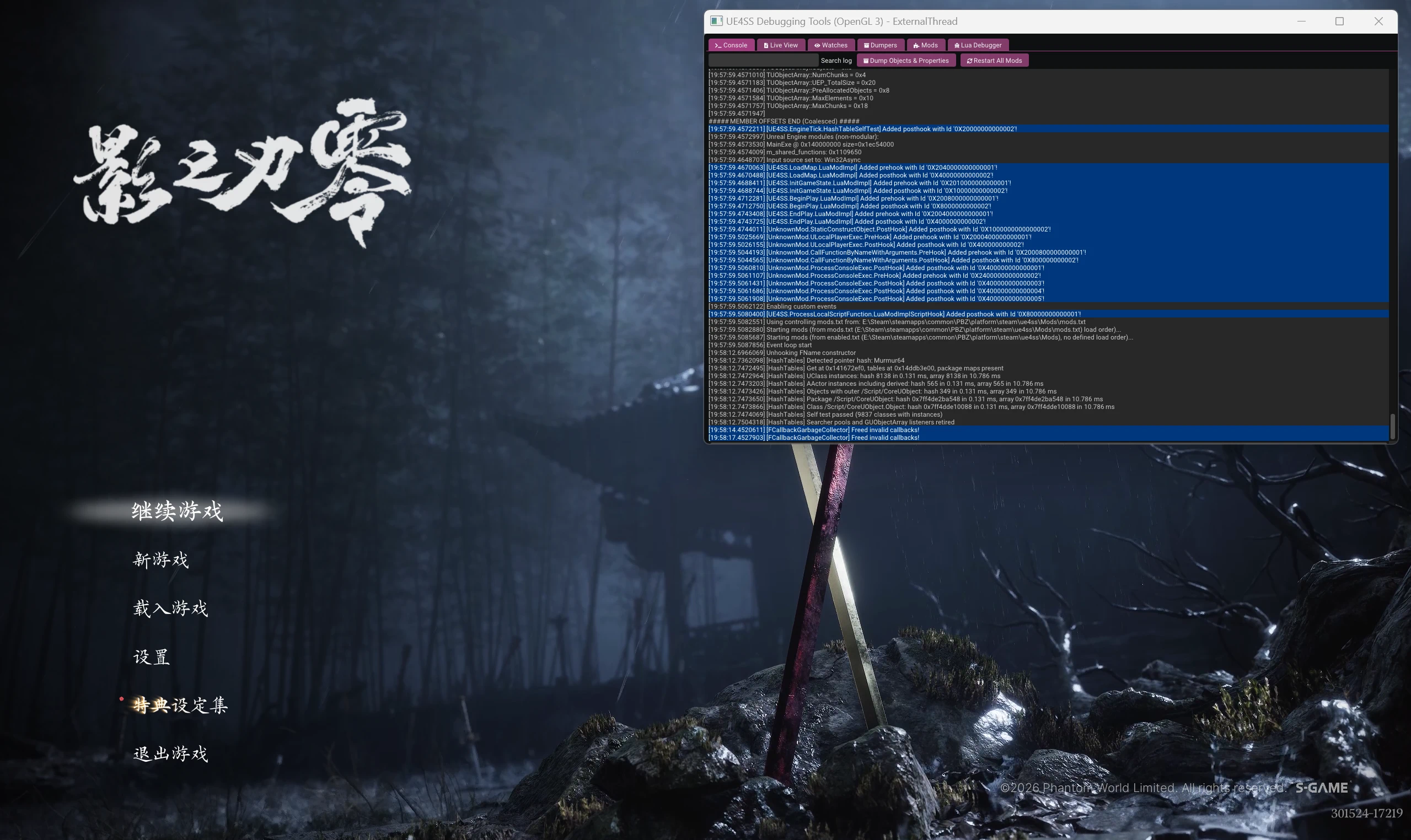
PBZ UE4SS - 影之刃零模组加载器
《影之刃零》的 UE4SS 适配包,支持 Lua MOD 加载和图形调试界面。 A UE4SS compatibility package for Phantom Blade Zero, with Lua mod loading and a graphical debugging interface.
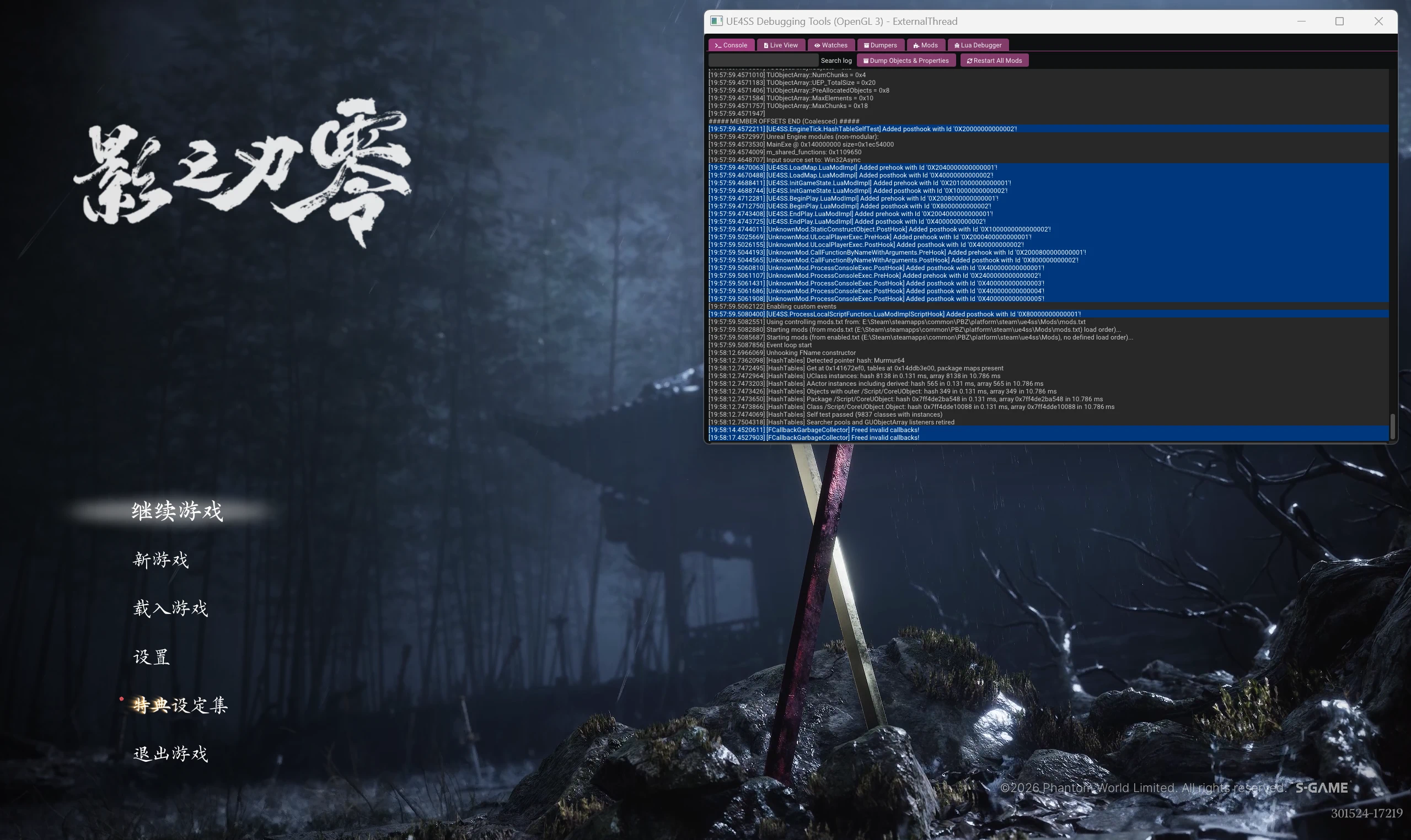 查看大图
安装步骤
- 完全退出游戏。
- 在 Steam 库中右键《影之刃零》,选择「管理 → 浏览本地文件」,打开游戏根目录。
- 解压下载的压缩包,将其中的 platform 文件夹复制到游戏根目录。无需复制
README.txt。 - 确认安装后的路径如下,注意不要多套一层文件夹:
PBZ/
└─ platform/
   └─ steam/
      ├─ PBZ.exe             ← 游戏原有程序
      ├─ dwmapi.dll           ← 本包文件
      └─ ue4ss/               ← 本包文件
- 如果已有
dwmapi.dll或ue4ss文件夹,请先移出游戏目录备份,再安装本包。 - Steam 启动选项中如果有
--disable-ue4ss,请移除该参数。 - 从 Steam 正常启动游戏。调试窗口默认开启,可在游戏获得焦点时按 Ctrl+O 显示或隐藏。
Installation
- Close the game completely.
- In your Steam Library, right-click Phantom Blade Zero and select Manage → Browse local files to open the game's root directory.
- Extract the downloaded archive and copy the platform folder into the game's root directory. You do not need to copy
README.txt. - Confirm that the files are placed as shown below. Avoid creating an extra folder layer:
PBZ/
└─ platform/
   └─ steam/
      ├─ PBZ.exe             ← Existing game executable
      ├─ dwmapi.dll           ← Included in this package
      └─ ue4ss/               ← Included in this package
- If
dwmapi.dllor aue4ssfolder already exists, move them outside the game directory as a backup before installing. - Remove
--disable-ue4ssfrom the game's Steam launch options if it is present. - Launch the game through Steam. The debugging window is enabled by default. Press Ctrl+O while the game is focused to show or hide it.
正在加载版本记录…
正在加载评论…
评论在新手盒子客户端中发表,这里同步展示。