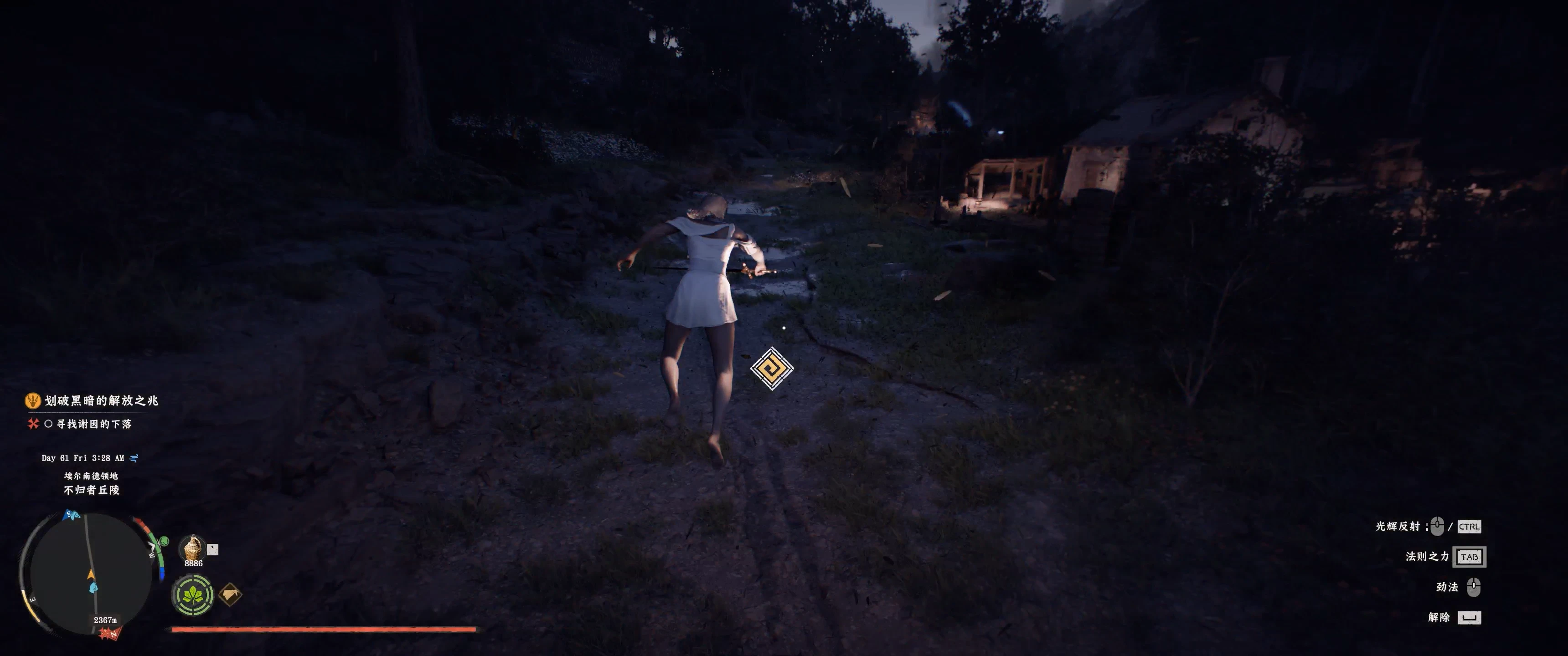
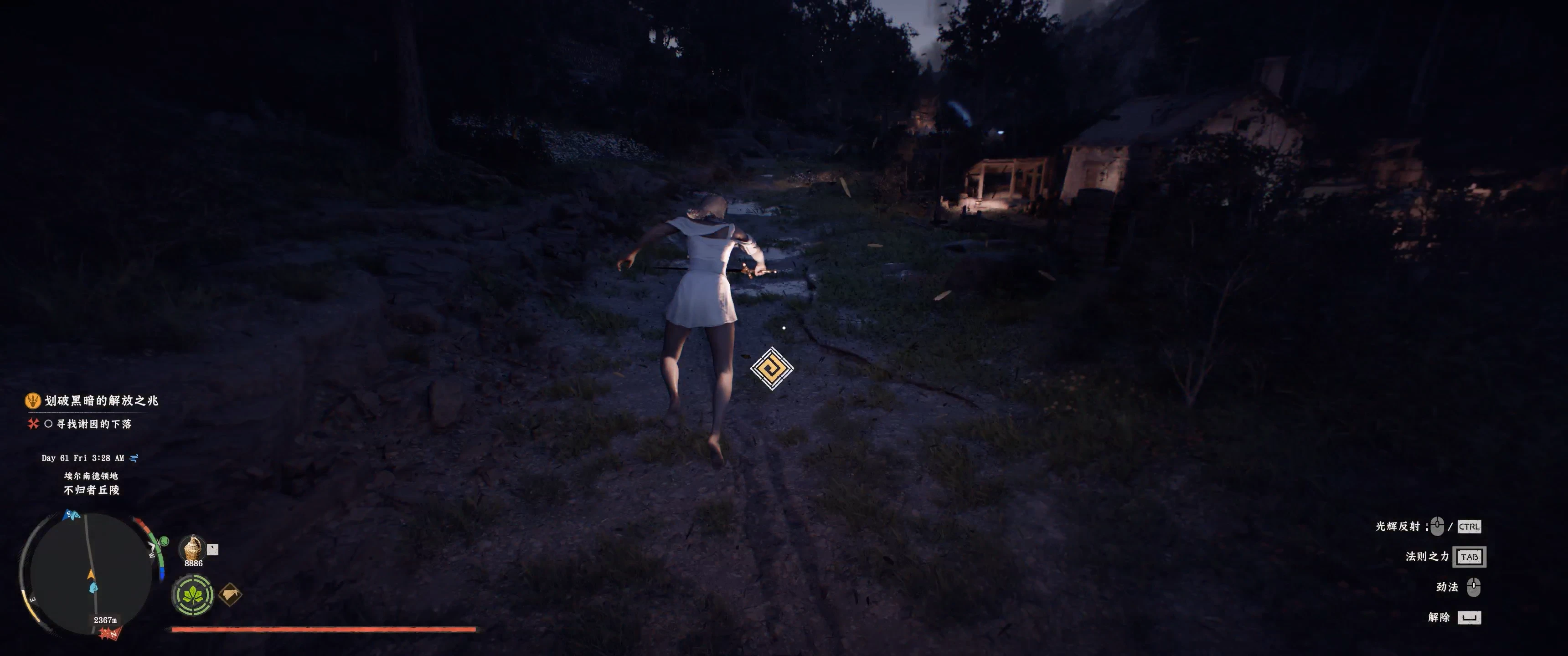
空中光反射中性
防止空中光反射在落地后使Kliff保持武器已拔出的战斗状态。地面施法和武器已拔出时开始的施法保持不变。兼容DMM和FreedomFlyer。
 查看大图
============================== ENGLISH
DESCRIPTION
Airborne Light Reflection Neutral prevents Kliff from entering the weapon-drawn combat state after using Light Reflection in midair.
When Kliff starts in a neutral, unarmed state and activates Light Reflection while airborne, he will remain neutral after landing—as if the weapon had never been drawn.
This is not an automatic sheathe mod. It prevents the airborne cast from committing the character to the drawn-weapon state in the first place.
Ground use of Light Reflection remains unchanged. If Kliff was already in a weapon-drawn state before activating the skill, the mod will not force him back to neutral.
FEATURES
• Prevents the unwanted combat stance after an airborne Light Reflection cast. • Keeps the character neutral after landing. • Does not play an automatic sheathing animation. • Does not change ground casts. • Does not change casts started while the weapon is already drawn. • Does not modify flight controls, jump height or movement speed. • Supports configurable single-key bindings. • Supports DMM and other standard ASI loaders.
INSTALLATION WITH DMM
- Download the ZIP file.
- Import the ZIP directly into Definitive Mod Manager (DMM).
- Enable and mount the mod.
- Launch or restart the game.
A working ASI loader must be configured in DMM.
MANUAL INSTALLATION
A compatible ASI loader is required.
Copy both files into:
Crimson Desert\bin64
Files included:
ZZZ_AirLightReflectionNeutral_v1.0.asi ZZZ_AirLightReflectionNeutral_v1.0.ini
KEY CONFIGURATION
The default Light Reflection key is CapsLock.
The key configured in the game must match the following entry in:
ZZZ_AirLightReflectionNeutral_v1.0.ini
Default setting:
LightReflectionKey=CapsLock
Supported key names:
CapsLock Tab Space LShift LCtrl LAlt Any single English letter or number
Other Windows virtual-key codes can be entered as hexadecimal values.
Example:
LightReflectionKey=0x02
The current version supports one independent skill key. Multi-key combinations are not supported.
FREEDOMFLYER COMPATIBILITY
FreedomFlyer is optional and is not required by this mod.
This mod does not modify FreedomFlyer's flight controls, movement hook, jump logic, hover system or speed settings.
The mod has been tested in a setup containing FreedomFlyer v1.17.2, and both mods can operate together after their hooks have initialized.
However, one heavily modded test setup showed a FreedomFlyer startup delay. FreedomFlyer repeatedly failed to allocate its trampoline before eventually retrying successfully and becoming functional.
If FreedomFlyer does not work immediately after launching the game:
- Wait briefly and test it again.
- Open FreedomFlyer.log.
- Look for the following message:
Patch installed successfully.
If the log repeatedly shows:
ERROR: Failed to allocate trampoline.
FreedomFlyer has not completed its hook installation yet.
This issue may be affected by other flight, glide, jump, movement or vertical-movement ASI mods. If the problem continues, test FreedomFlyer by itself before reporting a conflict with this mod.
KNOWN LIMITATIONS
• Light Reflection must be assigned to one independent key. • Multi-key combinations are not currently supported. • Compatibility may be affected by game updates. • Other mods that directly change weapon, equipment or character-state transitions may conflict. • Heavily modded ASI setups may experience different initialization timing.
TROUBLESHOOTING
If the mod does not activate:
• Confirm that both the ASI and INI files are installed. • Confirm that the ASI loader is working. • Confirm that the in-game Light Reflection key matches LightReflectionKey in the INI. • Restart the game after changing the installed ASI file. • Check ZZZ_AirLightReflectionNeutral_v1.0.log for initialization information.
If Light Reflection still leaves Kliff in a combat stance:
• Confirm that the cast started while Kliff was airborne. • Confirm that Kliff was not already in a weapon-drawn state. • Confirm that the configured key matches the actual skill binding.
UNINSTALLATION
DMM installation:
Disable or unmount the mod through DMM.
Manual installation:
Remove the following files from Crimson Desert\bin64:
ZZZ_AirLightReflectionNeutral_v1.0.asi ZZZ_AirLightReflectionNeutral_v1.0.ini
The generated log file can also be removed:
ZZZ_AirLightReflectionNeutral_v1.0.log
CREDITS
Developed with assistance from OpenAI Codex.
Thanks to the Crimson Desert modding community and the creator of Definitive Mod Manager.
============================== 简体中文
模组简介
本模组用于避免克里夫在空中使用“辉光反射”后,落地时自动进入拔剑战斗状态。
当克里夫原本处于未拔剑的中立状态,并在空中释放“辉光反射”时,落地后将继续保持未拔剑状态,就像从未进入过拔剑状态一样。
本模组并不是在落地后自动执行收剑动作,而是防止空中释放技能时将角色状态切换为拔剑状态。
在地面使用“辉光反射”时,技能原有行为保持不变。如果释放技能前已经处于拔剑状态,模组也不会强制将角色恢复为未拔剑状态。
主要功能
• 在空中释放“辉光反射”后,避免落地自动进入拔剑战斗状态。 • 落地后继续保持中立状态。 • 不会播放自动收剑动作。 • 不会改变在地面释放“辉光反射”时的原有效果。 • 不会改变释放技能前已经拔剑的状态。 • 不会修改飞行控制、跳跃高度或移动速度。 • 支持自定义单独技能键。 • 支持 DMM 以及其他标准 ASI 加载器。
使用 DMM 安装
- 下载 ZIP 模组包。
- 将 ZIP 模组包直接导入 Definitive Mod Manager(DMM)。
- 在 DMM 中启用并挂载模组。
- 启动或重新启动游戏。
需要在 DMM 中正确配置可用的 ASI 加载器。
手动安装
需要兼容的 ASI 加载器。
将以下两个文件复制到:
Crimson Desert\bin64
模组包含:
ZZZ_AirLightReflectionNeutral_v1.0.asi ZZZ_AirLightReflectionNeutral_v1.0.ini
技能键设置
模组默认将 CapsLock(大写锁定键)识别为“辉光反射”技能键。
游戏内设置的“辉光反射”按键必须与以下配置文件中的按键保持一致:
ZZZ_AirLightReflectionNeutral_v1.0.ini
默认配置:
LightReflectionKey=CapsLock
可以直接使用以下按键名称:
CapsLock Tab Space LShift LCtrl LAlt 任意单个英文字母或数字
其他按键可以填写对应的 Windows 虚拟键码。
例如:
LightReflectionKey=0x02
当前版本只支持将“辉光反射”绑定为一个独立按键,暂不支持组合键。
FREEDOMFLYER 兼容性
FreedomFlyer 是可选模组,并不是本模组的必需前置。
本模组不会修改 FreedomFlyer 的飞行控制、移动挂钩、跳跃逻辑、悬停系统或速度设置。
本模组已经在安装 FreedomFlyer v1.17.2 的环境中进行过测试。两个模组完成各自的挂钩初始化后,可以同时正常工作。
但是,在一次安装了大量 ASI 模组的测试环境中,FreedomFlyer 出现过启动延迟。FreedomFlyer 曾连续多次无法分配挂钩跳板内存,随后通过自动重试成功完成安装并恢复飞行功能。
如果启动游戏后 FreedomFlyer 暂时无法使用:
- 等待一段时间后再次尝试。
- 打开 FreedomFlyer.log。
- 查找以下信息:
Patch installed successfully.
如果日志中反复出现:
ERROR: Failed to allocate trampoline.
说明 FreedomFlyer 尚未完成挂钩安装。
其他飞行、滑翔、跳跃、移动或垂直移动类 ASI 模组也可能影响 FreedomFlyer 的初始化。如果问题一直存在,请先单独测试 FreedomFlyer,再判断是否与本模组存在冲突。
已知限制
• “辉光反射”必须绑定为一个独立按键。 • 当前版本暂不支持组合键。 • 游戏更新后,模组可能需要同步更新。 • 其他直接修改武器、装备或角色状态转换的模组可能产生冲突。 • 同时安装大量 ASI 模组时,各模组的初始化时间可能发生变化。
故障排除
如果本模组没有生效:
• 确认 ASI 和 INI 两个文件都已经安装。 • 确认 ASI 加载器能够正常工作。 • 确认游戏内“辉光反射”技能键与 INI 中的 LightReflectionKey 完全一致。 • 更换 ASI 文件后重新启动游戏。 • 查看 ZZZ_AirLightReflectionNeutral_v1.0.log 中的初始化信息。
如果空中释放“辉光反射”后依旧进入拔剑状态:
• 确认技能开始释放时克里夫确实处于空中。 • 确认释放技能前克里夫没有处于拔剑状态。 • 确认配置文件中的按键与游戏内实际技能键一致。
卸载方法
通过 DMM 安装:
在 DMM 中禁用或卸载本模组。
手动安装:
从 Crimson Desert\bin64 中删除:
ZZZ_AirLightReflectionNeutral_v1.0.asi ZZZ_AirLightReflectionNeutral_v1.0.ini
也可以一并删除运行时生成的日志文件:
ZZZ_AirLightReflectionNeutral_v1.0.log
致谢
本模组在 OpenAI Codex 的协助下开发。
感谢《红色沙漠》模组社区以及 Definitive Mod Manager 的开发者。
正在加载版本记录…
正在加载评论…
评论在新手盒子客户端中发表,这里同步展示。